VFO or Memory? Choose by the Task
Use VFO mode when you want to choose a frequency or change it as you operate. Use Memory mode when you want to return to a channel you have saved with settings you use repeatedly. The better choice depends on what you are trying to do next, not on which mode is generally “better.”
Scanning makes that distinction clearer: decide whether you want to explore a band or supported range, or check only your saved channels. If you recall a channel and then want to adjust its frequency, the choice depends on the tuning controls your radio provides; switching to VFO is not necessarily the only option. Think of the modes as different ways to reach a useful operating setup: one favors choosing what comes next, while the other favors returning to what you have already prepared.
How Each Mode Selects a Frequency
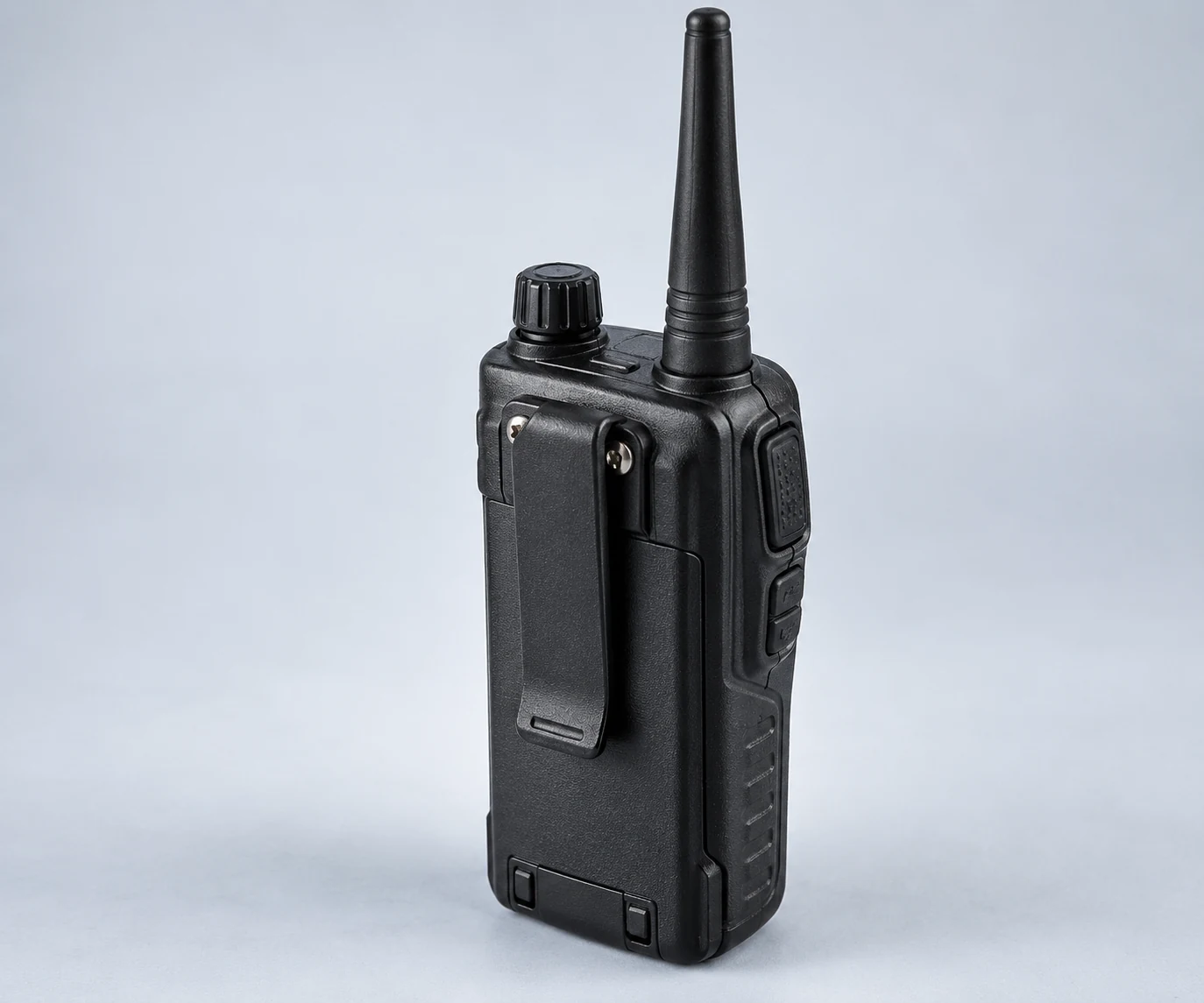
The distinction is what you select. In VFO mode, the Yaesu FT-65 lets you tune across the selected band in designated steps. In Memory mode, its arrow keys select a stored channel instead. Those arrow keys are an FT-65 control, not a universal instruction for every radio.
Suppose you have a frequency in mind that you have not saved. On the FT-65, VFO tuning gives you a way to reach it without first creating a memory channel. “Free tuning” does not mean selecting any imaginable frequency at arbitrary precision: the documented behavior is tuning in steps within the selected band. If, instead, the channel you want is already stored, memory selection makes the channel—not each intervening frequency—the thing you move between. These are examples of how to apply the two selection methods, not reports of an operating test.
That difference also helps explain a common point of confusion. Pressing an arrow key in FT-65 Memory mode changes which saved channel is selected; it is not the same task as stepping through frequencies in VFO mode. If the channel you expected is not the one displayed, think first about which stored channel you selected. If the frequency you want is not among your stored channels, think about selecting a frequency instead. The relevant question is whether you are starting from a frequency you want to choose or a channel you already have. In either case, a frequency shown on the display does not, by itself, tell you which selection method you are using; check the active mode before following tuning instructions.
Treat the FT-65 as a concrete example of that distinction, not as a map of every transceiver’s buttons. The Icom covered by the ARRL review is a second implementation; the FT-65’s documented arrow-key behavior should not be assumed to describe its controls. When following instructions for your own radio, separate the mode’s purpose—choosing a frequency or choosing a saved channel—from the particular keys that carry out the choice.
How Settings Become a Channel You Can Recall
On the Yaesu FT-65, making a memory channel begins in VFO mode: select the frequency you want to store, then set the desired CTCSS/DCS and repeater offset before saving it. CTCSS/DCS refers to a tone or digital code used in a repeater setup; the offset is part of that setup too. The FT-65 then stores the frequency and settings in the selected memory channel. These are FT-65 instructions, not a button-by-button procedure for every transceiver.
That sequence separates preparation from reuse. In VFO mode, you are assembling the frequency and settings you intend to keep. Saving them makes that combination available as a channel to recall later. An ARRL equipment review likewise describes memory as useful for regularly used frequencies and repeater settings. The advantage is not that memory chooses the right setup for you; it is that, once you have prepared and stored a setup, you need not reconstruct it each time you use that channel.
The preparation step matters because memory preserves the settings you save, including any mistakes. Before storing a channel, check that its frequency, CTCSS/DCS selection, and repeater offset are the combination you intend to reuse. If those parameters change, revisit the saved channel rather than assuming that later VFO changes have updated it. For a one-time setup, storing a channel may offer little benefit; for a frequently used setup, the initial check can save repeated entry. These are practical implications of the documented workflow, not automatic checks performed by the radio.
For example, suppose you have a frequency and repeater parameters that you expect to use regularly. As an editorial application of the documented workflow, you could prepare them in the FT-65’s VFO and save them, then use the memory channel for subsequent visits. If the frequency or parameters you need are different, do not treat the familiar channel name or position as proof that its saved contents fit the new task. The distinction is between choosing and preparing a setup and recalling one you have already stored—not between an inherently correct mode and an incorrect one.
A stored channel is a convenience, not authorization to transmit. The FT-65 manual and ARRL equipment review describe radio functions; they do not establish your US license privileges. Before transmitting on a recalled channel, verify that the frequency and intended operation are permitted by your license under current first-party FCC rules. A channel can be easy to recall while still being unsuitable for your privileges or the contact you intend to make. That check remains the operator’s responsibility whether the settings were entered moments ago or saved earlier.
Choose the Scan Set Before Choosing the Mode
Before starting a scan, decide what you want the radio to search: the current band, a supported VFO range, or stored channels. On the Yaesu FT-65, a VFO scan covers the current operating band, while scanning stored memory channels is a separate operation . The ARRL-reviewed Icom likewise puts memory-channel scanning in memory mode, but distinguishes full and partial scans through VFO . These are documented capabilities of two implementations, not a promise that every radio offers the same scan choices.
Editorial application: If you want to explore activity beyond your saved channels, a VFO scan is the relevant starting point. On the FT-65, that means scanning its current operating band . On the reviewed Icom, the distinction between full and partial VFO scans gives you a choice between a broader search and a supported narrower one . For example, if you are interested only in a portion of a band, check whether your radio offers an appropriate partial scan rather than assuming every VFO scan must cover the whole band. Which range you can select depends on the radio’s scan instructions; “VFO scan” alone does not tell you its limits.
Editorial application: If you want to revisit frequencies you have already saved, choose memory-channel scanning instead. Both the FT-65 manual and the Icom review treat scanning stored channels separately from VFO scanning . This is useful when the question is whether there is activity on your saved channels, rather than what else is active nearby. The limitation follows from that choice: a frequency outside the stored-channel set is not part of the set you asked the radio to scan. Memory scanning is therefore not a substitute for searching the band or a supported VFO range. Conversely, a VFO scan is not the way these documented radios scan their stored-channel sets .
The choice matters even if you expect activity on just one frequency. If that frequency is saved, memory scanning includes it in a search of stored channels; if it is not saved, choosing that set will not help you find it. If your aim is discovery rather than checking known channels, start by finding out what the radio’s VFO scan can cover. These are editorial applications of the documented scan sets, not guarantees about what a scan will receive.
Read your radio’s scan instructions before choosing the mode. The FT-65 example separates a current-band VFO scan from stored-channel scanning; the reviewed Icom also distinguishes full and partial VFO scans . Choose the set that includes the frequencies you intend to check, rather than selecting a mode by habit.
Switch Modes—or Tune After Recalling a Channel
On the Yaesu FT-65, the V/M key toggles between VFO and memory mode. If you have recalled a channel but now want to select a frequency in VFO, that model-specific key takes you back to VFO . Switching modes is one way to change what you are doing, but it is not the only way to adjust frequency after recalling a channel.
The FT-65 manual also documents memory-offset tuning after a channel has been recalled . That distinction matters when the saved frequency is a useful starting point but you want to tune away from it briefly. For example, after recalling a channel, you might want to try a nearby frequency and then return to the one you saved. On the FT-65, memory-offset tuning provides a route for that task without first switching to VFO. This is an editorial application of the documented feature, not a claim that every radio permits the same adjustment from memory mode.
The manual specifies how to get back: on the FT-65, the Band key returns the radio to the original memory frequency after memory-offset tuning . “Return to the recalled frequency” and “switch to VFO” therefore describe different intentions. If the recalled channel remains your reference point, the documented return control fits that intent. If you no longer want to work from that channel, V/M takes you to VFO instead . Using the right control matters because a temporary detour from a channel is not necessarily a decision to leave memory mode. After tuning away, check the displayed frequency before proceeding: having started from a saved channel does not mean you are still on its original frequency.
Do not infer from the term memory mode that the displayed frequency must remain fixed until you switch modes. Equally, do not assume memory-offset tuning works like ordinary VFO tuning, or that another radio uses the FT-65’s keys. The supported point is narrower: the FT-65 offers both a mode switch and a way to tune after recalling a memory, with a documented return to the original memory frequency . Its manual, rather than the mode name alone, tells you which action each control performs.
On a different transceiver, check its instructions for tuning after memory recall before switching modes solely to make a small frequency change. Look specifically for whether it offers memory-offset tuning, how to enter it, and how to return to the recalled frequency. If those instructions are unclear, use the controls you can identify from your own manual rather than treating the FT-65’s V/M or Band sequence as universal.
| Operating question | VFO | Memory mode |
|---|---|---|
| How do I select a frequency? | Tune in steps across the selected band on the FT-65. | Select a stored channel with the arrow keys on the FT-65. |
| How do I reuse settings? | On the FT-65, select a VFO frequency and set desired repeater parameters before storing a channel. | Recall a stored frequency and its settings; an ARRL review describes this as useful for regularly used frequencies and repeater settings. |
| What can I scan? | The FT-65 scans its current operating band; the reviewed Icom supports full and partial VFO scans. | Both documented implementations distinguish scanning stored channels from VFO scanning. |
| Can I adjust frequency after recalling a channel? | The FT-65’s V/M key returns from memory to VFO. | The FT-65 also supports memory-offset tuning and a return to the original memory frequency; check your radio’s controls. |
Make the Choice for Your Next Operating Task
Think about what you want the radio to do next. If you are exploring frequencies or expect to change one as you operate, choose VFO mode. If you want to return to a channel you have already prepared, choose Memory mode. These are editorial applications of the capabilities compared above, not a claim that one mode is better for every radio or operator.
Scanning makes the choice more specific: decide whether you want to search beyond your saved channels or revisit only those channels. Likewise, recalling a channel may save you from re-entering settings, but it need not end your ability to adjust frequency; the available tuning controls depend on the radio. The comparison table sets out how the documented implementations handle those four questions . Use it as a task guide, not as a promise that your transceiver uses the same controls or scan options.
Continue reading
Keep learning about radio