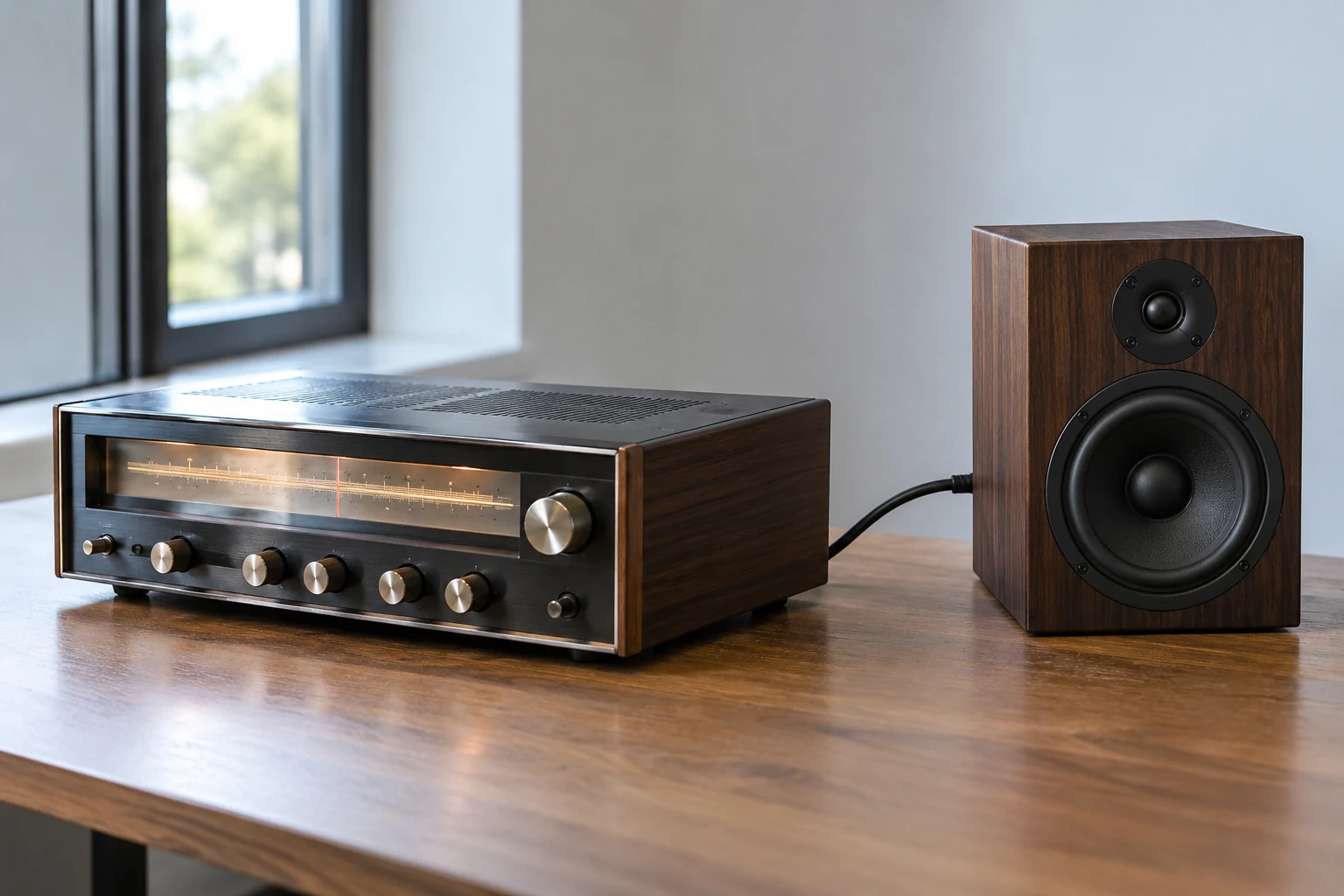
Squelch keeps an FM receiver’s speaker quiet until the conditions for hearing a signal are met. Without it, you may hear background noise between calls; with it, the receiver mutes its audio output instead. Kenwood describes squelch as muting the speaker when no signal is present, while the American Radio Relay League (ARRL) describes FM squelch as muting audio unless the appropriate signal arrives.
That quiet is useful, but it has a limit as evidence: a silent speaker does not prove that no one is transmitting. The receiver may be set to require a stronger signal, a particular tone, or a particular code before it plays audio. Understanding which condition is keeping the speaker quiet helps you decide whether to change the squelch setting or listen more closely.
What Squelch Changes—and What It Does Not
Think of squelch as a gate on the audio you hear, rather than a switch that turns other stations’ signals on and off. Kenwood’s description starts with the ordinary listening problem: when no signal is present, squelch mutes the speaker. ARRL describes the same general function in FM radios as preventing the listener from having to hear noise or unwanted signals by muting the audio output until the required kind of signal is received.
The distinction matters because three things are easy to blur together. Another station may transmit; a receiver may have an incoming signal to evaluate; and the speaker may or may not play audio. Squelch governs that last outcome. It does not prevent another station from transmitting, and speaker silence alone cannot establish whether RF activity is present. That is an interpretation of the receive-audio function described by Kenwood and ARRL, not a claim that squelch measures all activity on a channel.
For a simple listening example, imagine waiting between calls on an FM channel. If nobody is sending a signal that opens your receiver’s squelch, silence is the expected result: the speaker is being muted instead of playing background noise. Now imagine a call that your present setting does not admit. The speaker can still sound exactly as it did between calls. What you can conclude from the silence is narrow: your receiver is not playing received audio under its current settings. You cannot conclude from sound alone that the channel is unused. The reasons a call might not open the gate—including signal strength and tone or code selection—come later.
This is also why squelch is not a transmission control. Adjusting it changes what you hear from your receiver; it does not keep RF transmissions off the channel. The useful question when the speaker goes quiet is therefore not simply “Is anyone there?” but “What must this receiver hear before it unmutes?”
Set the Threshold for the Signals You Want to Hear
With carrier squelch, the opening condition is a signal stronger than a settable threshold. ARRL calls this the simplest and most common type of squelch: below its preset threshold, the radio remains muted. Kenwood gives the adjustment its practical direction—a higher squelch level means signals must be stronger for you to hear them. Raising squelch is thus not a way to strengthen a weak call. It makes the receiver more selective about which signals reach the speaker.
A useful starting point is the one Kenwood recommends: select the squelch level at which background noise is just eliminated. In ordinary listening terms, consider the setting when no wanted signal is present, find the point where the unwanted background noise stops, and then judge how well you can hear the signals you care about. This describes the relationship to look for, not a universal numbered setting or a button sequence. The control and its range depend on the radio; the supported principle is the audible set point, not a particular position on a dial.
Why stop near that point rather than continue turning squelch up? Compare two possible settings. At the first, background noise has just disappeared. At the second, the speaker is also quiet between calls, but the threshold is higher. If a wanted call is strong enough to exceed the first threshold but not the second, the second setting hides it. Both settings can sound pleasantly silent while nobody you can hear is calling, so quietness by itself is a poor measure of whether the adjustment serves your purpose. This comparison follows from ARRL’s threshold description and Kenwood’s statement that higher levels require stronger signals.
The tradeoff is conditional. If nearby or otherwise strong signals are all you need to hear, a setting that keeps the speaker quiet may seem satisfactory. If hearing marginal signals matters, an unnecessarily high threshold works against that goal: ease it toward the point where background noise is just removed, and reassess whether wanted calls become audible. If you ease it far enough that background noise returns, that noise is the audible cost of a less restrictive setting. Kenwood’s recommended set point gives you a balance to start from, not a promise that every weak call will become clear.
It helps to name the decision precisely. You are choosing which incoming signals can unmute the receive audio under carrier squelch. You are not improving a weak transmission by turning up squelch, nor changing whether anyone else can transmit. If a call disappears after you raise the level, first consider whether the receiver’s audio gate is excluding it; do not treat the quieter speaker as evidence that the signal itself went away. That last comparison is an inference from the documented direction of the threshold adjustment.
Use Monitor to Investigate a Weak or Quiet Channel
Sometimes the problem is not that a call is entirely absent, but that you hear only pieces of it. Kenwood warns that weak signals may become intermittent while squelch is on. Combined with the threshold relationship, that suggests a diagnostic explanation: a marginal signal may meet the opening condition at some moments and fail it at others, leaving you with fragments through the speaker. This is an inference about what a listener might experience, not a test of any particular radio or signal.
A monitor control offers a different kind of check from changing the normal squelch setting. ARRL describes an FM radio’s monitor button or key as temporarily opening squelch so the operator can listen for weak signals or other stations using the channel. ARRL specifically notes its use before transmitting. Rather than committing to a new everyday threshold, you briefly listen beyond what the present squelch setting ordinarily lets through.
Suppose you hear the start of a reply, then silence where the rest should be. One possibility is that a weak signal has become intermittent under squelch, as Kenwood describes. Temporarily opening squelch can help you listen for the remainder instead of assuming the other station stopped transmitting. Alternatively, suppose a channel seems entirely quiet: the same temporary check may reveal activity your usual listening setting did not make audible. These are diagnostic examples based on the manuals’ descriptions, not guarantees that every missing reply can be recovered.
Expect the check to change what you hear. Because squelch normally spares you noise, opening it may bring noise back. Noise alone is not a decoded call or proof that another station is present; listen for actual activity rather than treating any sound as a reply. After the check, you have a more useful choice than simply increasing squelch to restore silence. If you heard a marginal wanted call, consider whether your normal threshold is too restrictive for the signals you want to hear. If you heard only noise, you have not thereby identified another transmission. These conclusions are practical inferences from squelch’s muting function and ARRL’s account of monitor use.
Kenwood gives a concrete example of a monitor control: in one manual, holding [MONI] unmutes the speaker so the operator can monitor signals. That is an example from that radio’s instructions, not a key sequence to assume on every set. Use your own radio’s manual to identify its monitor control and what it does in the listening mode you have selected. In particular, do not assume from the general word monitor that every radio overrides every tone or code setting in the same way. Kenwood establishes what its cited control does; ARRL establishes the general purpose of a temporary squelch-opening check.
Carrier, Tone and Code Squelch Open for Different Reasons
A threshold is not the only possible condition for hearing audio. ARRL describes carrier squelch as keeping the radio muted unless a signal exceeds a settable strength threshold. In its description of tone receive squelch, the received audio is heard only when a specified subaudible tone is present. The first description focuses on whether a signal is strong enough; the second adds a requirement about the tone accompanying the received signal. If you interpret every silent speaker as a signal-strength problem, you can miss that difference.
Kenwood’s operating descriptions make two selected-setting cases more concrete. With CTCSS on, its manual says calls are heard only when the selected CTCSS tone is received. With DCS on, it says calls are heard only when the selected DCS code is received. For this listening question, the key distinction is straightforward: CTCSS selects a tone; DCS selects a code. Neither description says that selecting one increases the strength of a call or prevents other stations from using the channel.
Consider a constructed example. A station transmits a signal that would be strong enough to open your chosen carrier-squelch threshold. If your receiver is instead requiring a selected tone that the call does not provide—or a selected code that does not match—you may hear nothing. This combines ARRL’s account of the carrier and tone conditions with Kenwood’s descriptions of CTCSS and DCS. It is an explanatory comparison, not a report of a particular on-air test or a claim that all radios implement their controls identically.
That example changes the meaning of silence. Under carrier squelch, an overly demanding threshold is one possible reason a call remains unheard. Under tone or code selection, a call may be excluded because it does not meet the selected receive-audio condition. A strong transmission and an audible transmission are therefore not interchangeable descriptions when the receiver is set to admit only a chosen tone or code. The point follows from the distinct opening conditions ARRL and Kenwood describe.
Tone and code squelch should not be mistaken for privacy features or proof of an unused channel. The supported descriptions tell you which calls the receiver will let you hear; they do not say that other transmissions cease to exist when the speaker stays muted. If activity matters—for instance, before transmitting—ARRL’s monitor check is a reason to listen beyond your ordinary squelch state where your radio permits it. Check your radio’s manual rather than assuming its monitor control bypasses every selected tone or code.
The usable mental model is a question about the opening condition. Is your receiver listening for a signal above a carrier threshold, for a selected CTCSS tone, or for a selected DCS code? For carrier squelch, start near the point where background noise is just eliminated rather than making the threshold needlessly high. When a weak reply breaks up or silence matters, temporarily check for activity using the monitor function your radio provides. Above all, interpret a quiet speaker as the result of the receiver’s current audio conditions—not as proof that no one is transmitting.