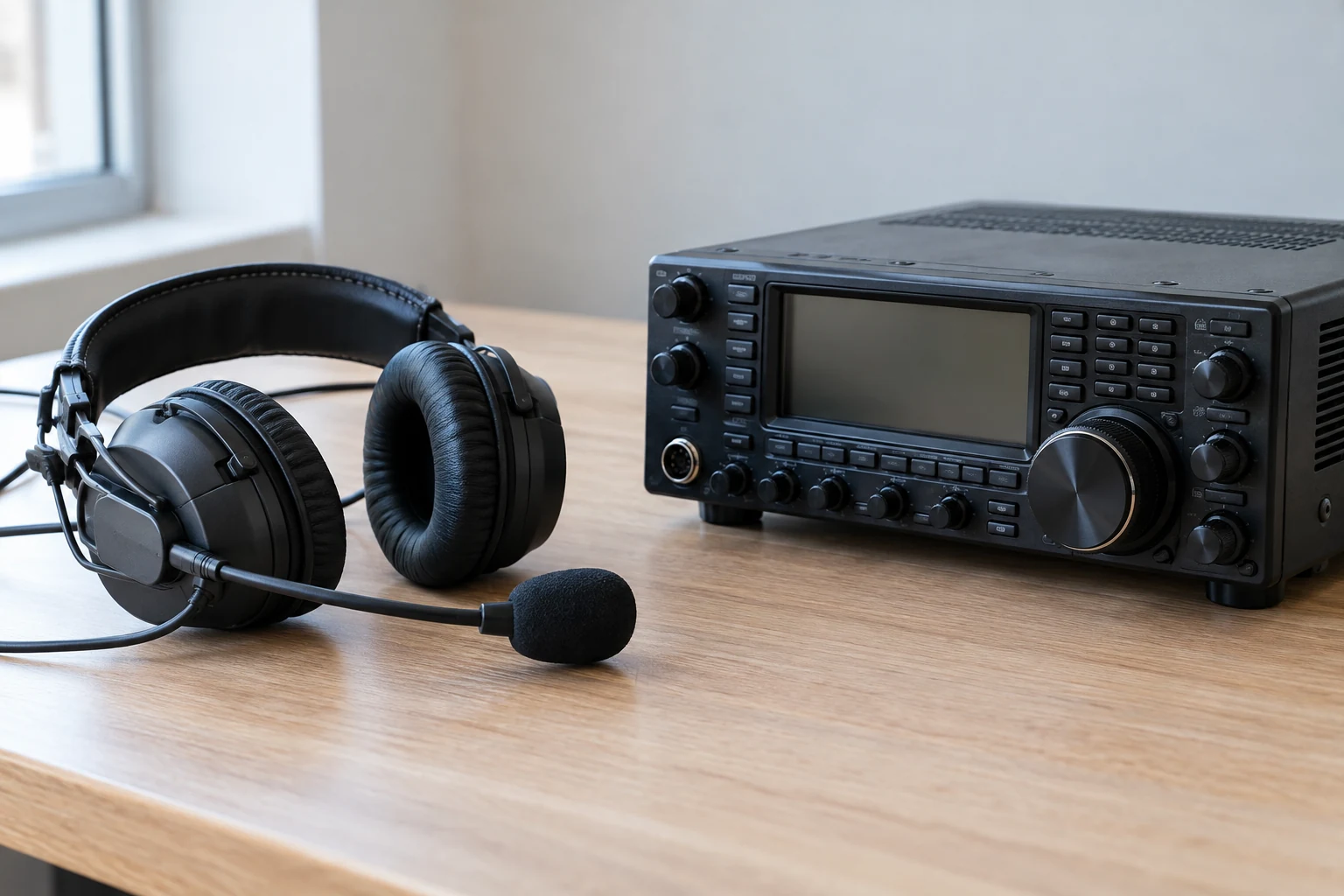
Choose the documented connection for your exact radio, headset, and intended operating mode—not a plug that merely fits. A headset connection may need to carry listening audio, microphone audio, and a way to start transmission. Those functions can follow different paths, even when connectors look alike. Before buying, identify each device, decide whether you need reception only, manual push-to-talk (PTT), or voice-operated transmission (VOX), and check the radio and headset documentation for the complete connection.
Identify the Radio, Headset, and Functions You Need
Start by writing down the radio’s exact model and version, the headset’s exact model, and any cable or adapter part number. “Fits an Icom handheld” or “has a two-pin plug” is not a precise compatibility claim. The plug’s shape tells you where it might physically fit; it does not tell you which contact carries sound, microphone input, a control signal, or power. Do not assume there is a universal two-pin handheld standard.
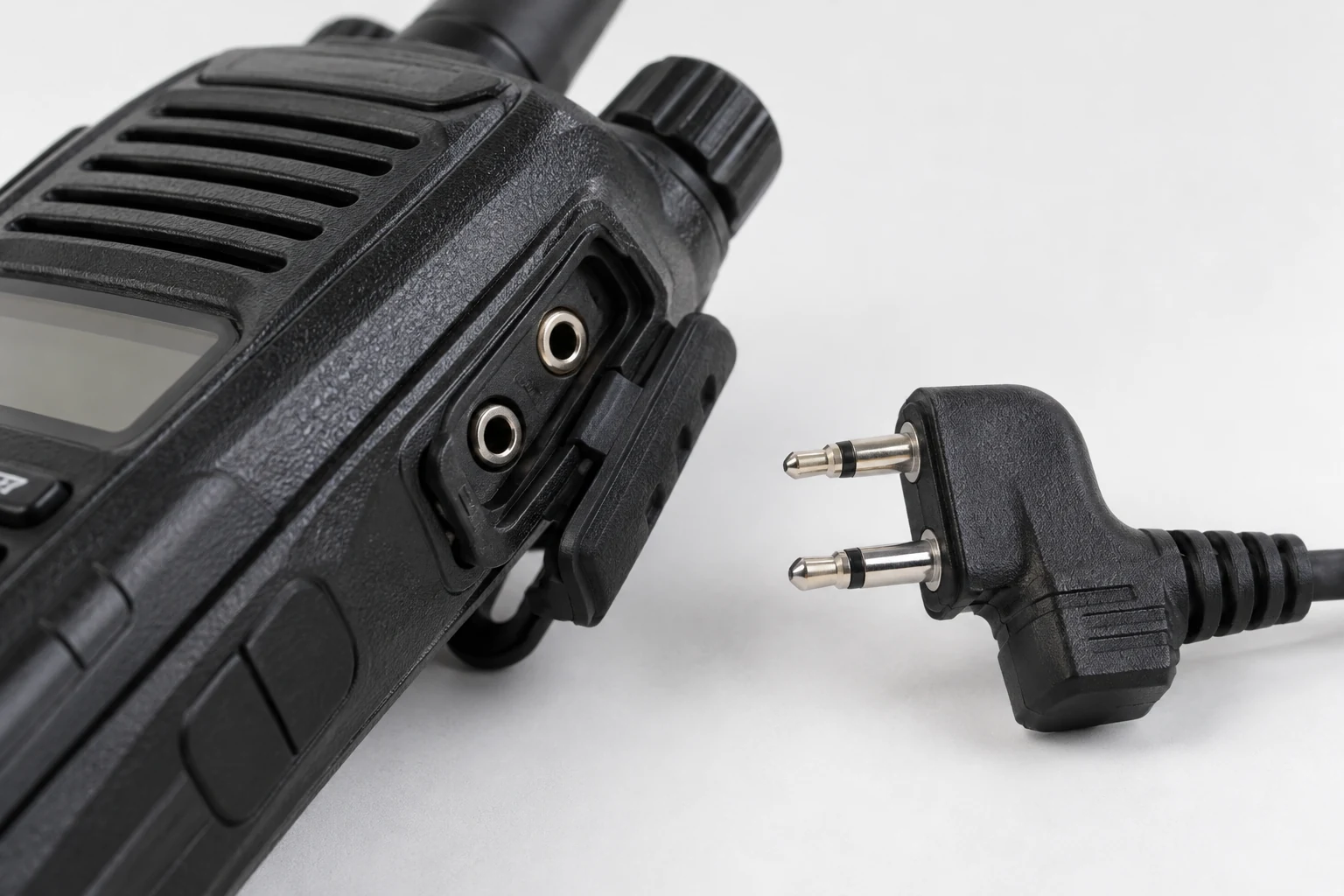
Next, separate the jobs you want the headset to do:
- Receive audio: Can you hear the radio through the earpiece or headphones?
- Microphone audio: Is the headset microphone suitable for the radio’s input?
- Manual PTT: Is there a documented way to press a switch and intentionally key the transmitter?
- VOX: Is voice-operated transmission supported by this radio, headset, and connection? In VOX mode, speaking can start transmission without pressing PTT; Icom describes that behavior in its IC-V86/U86 documentation.
These are separate compatibility questions. A connection that produces receive audio has not thereby passed a microphone or PTT check. Likewise, a listing for a “headset adapter” does not, by itself, establish whether it supports the way you intend to transmit.
For a receive-only setup, look for a documented headphone or headset listening connection; you need not buy a transmit-control arrangement you do not plan to use. If you want to talk, include the microphone and either manual PTT or VOX in your shopping requirement. The tradeoff is that a receive-only choice may be simpler to establish, but it cannot be treated as a complete transmitting setup later without checking the missing functions.
Find the radio manufacturer’s manual or accessory information for the exact model. Then find the headset maker’s connector and electrical specifications. Look for an expressly supported pairing or a complete, documented path through the specified cable. If a seller says a headset is compatible, ask which radio model, which adapter, and which functions that claim covers. A missing microphone specification or unexplained adapter part number is a question to resolve before purchase, not a detail to guess after the package arrives.
Icom’s IC-V86/U86 documentation illustrates why the operating mode belongs in that question: it distinguishes the VS-4LA cable for connecting headsets from the OPC-2004LA cable for headset VOX operation. That distinction does not establish that an arbitrary headset works with either cable, or that the arrangement applies to another Icom model.
Trace the Entire Audio, Microphone, and Control Path
Think of the connection as a path from the headset, through any cable or adapter, to the radio. At each join, the documents need to agree about both where a contact goes and what it does. Connector diameter, number of visible contacts, or a matching microphone-connector shell cannot answer the electrical question.
Begin with the listening side. Identify the radio’s audio-output jack and the type of plug it accepts, then check the headset’s listening connection and any documented headphone-load requirement. If the relevant specifications are absent, do not fill them in from the plug size. On the IC-7300, for example, Icom identifies a separate PHONES connection for standard stereo headphones using a 3.5 mm plug. That establishes a listening connection; it does not establish that a particular headset microphone can connect to the radio.
Now trace the microphone separately. Compare the radio’s documented microphone-input requirement with the headset microphone’s specifications, including impedance and any stated power or bias requirement. The IC-7300 manual identifies microphone-connector pin 1 as a 600 Ω microphone input. It also identifies pin 2 as a +8 V DC output with a maximum of 10 mA. Those are different functions on the microphone connector, and the powered pin is a reason to verify the complete assignment before connecting an unfamiliar plug. It is not evidence that +8 V is a universal headset-microphone supply.
Finally, trace transmitter control. For manual PTT, determine which documented switch or adapter performs that job and how its contacts connect to the radio. Check the manual’s relevant ground or return assignments rather than assuming that microphone audio and PTT can use whichever contact a look-alike plug provides. For VOX, confirm that the stated cable and operating mode apply to the exact equipment. An adapter described as a connector or switch cable should not be assumed to convert microphone levels, supply suitable bias, or correct an undocumented pinout.
The IC-7300 example makes the distinction concrete. Its documented PHONES socket handles listening, while the cited microphone-connector specifications establish a microphone input and a limited powered output. The cited specifications do not give you a complete headset wiring plan, headphone-load specification, or approval for a third-party headset. Consult the complete model manual and the proposed headset and adapter documentation for the remaining functions before buying or connecting them.
A handheld can present a different shopping problem: instead of selecting paths to separate listening and microphone connections, you may need a model-specific cable for the intended headset mode. In either case, the decision test is the same. Can you follow every required function from headset to radio using documented connections, without inventing what an intermediate adapter does? If not, stop. Do not improvise wiring to a pin whose function or powered status is uncertain; seek the manufacturer’s documentation or qualified help rather than treating this selection guide as a soldering plan.
The comparison below keeps the documented examples and the unresolved purchase questions in view. It is a starting point for checking an exact pairing, not a list of interchangeable headset plugs.
| Radio and headset | Intended functions | Documented connection | Electrical information and purchase blockers |
|---|---|---|---|
| IC-7300; record the exact headset model | Receive audio, microphone, and the intended transmit-control mode | Separate 3.5 mm stereo PHONES socket and microphone connector | Microphone input: 600 Ω on pin 1; pin 2 supplies +8 V DC, maximum 10 mA. Check the complete manual and headset documentation for every required function before buying. |
| IC-V86/U86; record the exact headset model | Receive audio, microphone, and manual PTT if that is the intended mode | The cited excerpt lists VS-4LA for connecting headsets | The excerpt does not establish a specific headset pairing or complete electrical compatibility. Check the full model and headset documentation before buying. |
| IC-V86/U86; record the exact headset model | Receive audio, microphone, and VOX if that is the intended mode | The cited excerpt lists OPC-2004LA for headset VOX operation | VOX can initiate transmission when you speak without pressing PTT. Check the full model and headset documentation before buying. |
Select the Documented Arrangement and Check Reception First
Use your completed path check to make a conditional choice. If the exact handheld and headset documentation supports a manual-PTT arrangement, choose its specified cable for that mode. If you specifically want VOX and the exact pairing supports it, choose the documented VOX arrangement instead. Icom identifies VS-4LA as a headset-connection cable and OPC-2004LA as a cable for headset VOX operation in its IC-V86/U86 documentation; the cited excerpt does not establish a particular headset pairing or every electrical detail of either arrangement. Verify those in the complete accessory documentation rather than treating the two cable names as interchangeable approvals.
For a desktop radio such as the IC-7300, select a documented listening path and, if you intend to transmit, a documented microphone and control path. Its separate 3.5 mm PHONES socket does not remove the need to check the microphone connector: the cited specifications put a 600 Ω microphone input on pin 1 and a limited +8 V output on pin 2. A headset that fits one connection—or an adapter with the right-looking shell—has not yet met the requirements of the others.
This gives you three useful purchase outcomes:
- The complete path is documented for your exact equipment and mode: Buy the specified arrangement, while keeping its stated operating mode in mind.
- Only listening is established: Treat it as a receive-only choice. Do not pay for it expecting microphone or PTT operation unless those paths are also documented.
- An adapter, contact function, or required electrical specification is unknown: Defer the purchase or connection until the manufacturer, complete manual, or authoritative accessory information resolves it.
After choosing, make only the documented connection. Icom’s IC-V86/U86 instructions include turning the power off. As a precaution, do so before connecting the headset rather than plugging in to see what happens. Begin with low listening volume, turn the radio on as directed, and check reception first. Leave VOX off during this receive-only check: Icom states that VOX can start transmission when you speak without pressing PTT. Hearing audio is useful confirmation of the listening path, but it does not verify microphone or transmit-control compatibility.
If a transmit check is needed, reserve it for an authorized control operator with a correctly prepared station. Do not use an uncertain pinout or an undocumented adapter as a test procedure. The buying verdict is straightforward: choose the arrangement whose entire required path is documented for your exact radio, headset, and intended mode. If that path cannot be established, wait rather than betting on a matching plug.
Continue reading
Keep learning about radio