Make an amateur radio equipment inventory by giving each station item a stable ID, recording what it is and what it connects to, and saving a dated account of the settings you could need to restore. Keep the manual and configuration backup alongside that record, then log changes and symptoms as they occur. The result is more useful than a list of brand names: if something changes, you can describe the earlier arrangement and what you actually observed. It will not, by itself, tell you which part is faulty.
Identify Each Item and the Connections Between Them
Start with the equipment in your station as it stands today. Assign short IDs that remain stable even if you later move an item or change its settings: R1 for the radio, P1 for the power supply, I1 for an interface and A1 for the antenna. Give relevant cables and adapters their own IDs, such as C1 and AD1. An ID is a reference within your inventory, not a substitute for the maker and model.
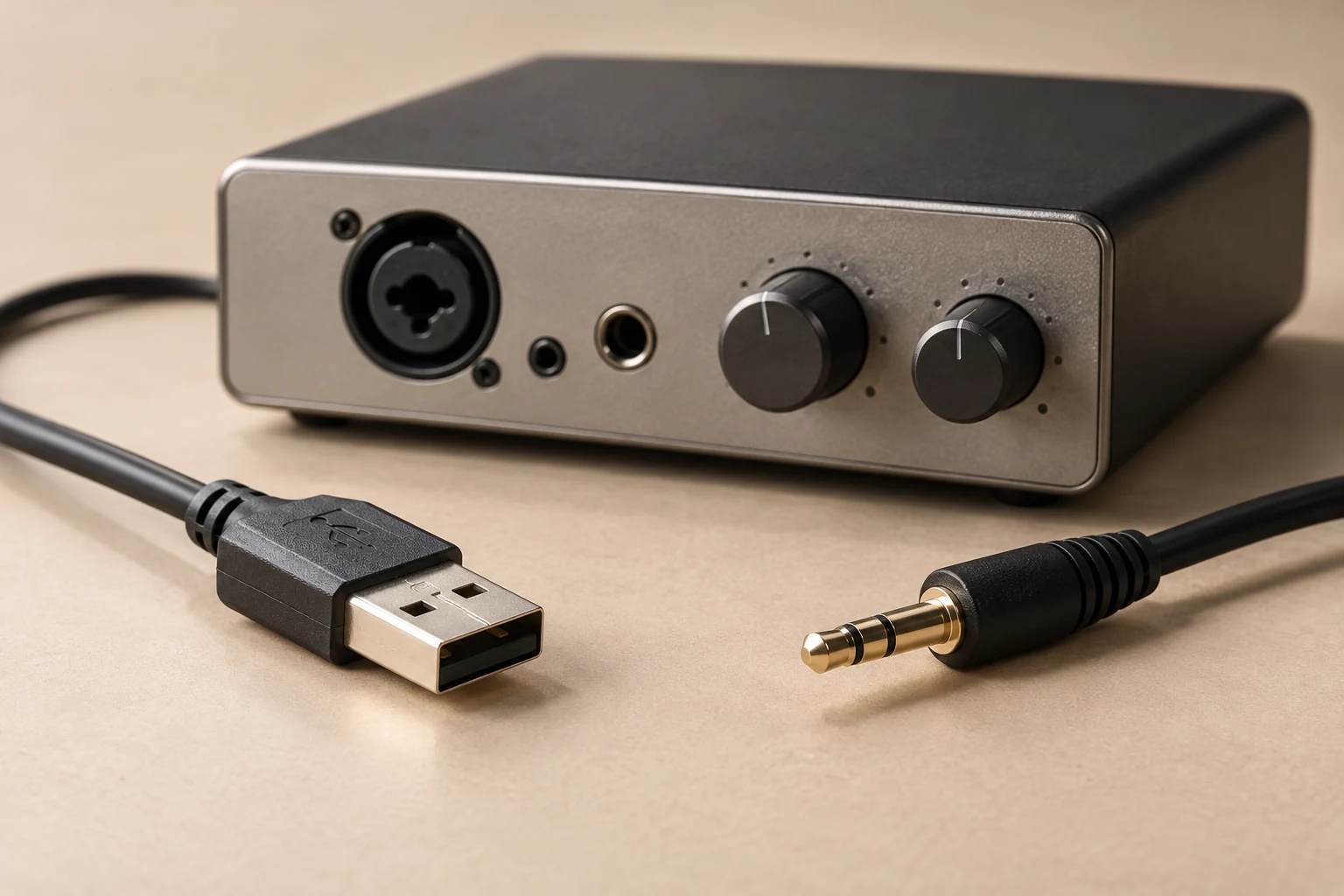
For each item, record its role and the IDs it connects to. “I1 connects R1 to the computer through AD1” says more than “interface installed.” If you replace AD1 while keeping the same interface model, you have changed the arrangement; the two setups should not have identical connection records.
Here is an example record layout, not a tested station or a claim that the listed parts work together. Fill its descriptive fields from your own equipment:
| ID | Role | Maker and model | Serial number | Firmware version | Connected IDs | Cable or adapter identification |
|---|---|---|---|---|---|---|
| R1 | Radio | Read from label | Unknown | Unknown | P1, I1 via C1, A1 via C2 | C1 and C2: identify ends and markings |
| P1 | Power supply | Read from label | Unknown | Not applicable if none | R1 | Record lead ID if relevant |
| I1 | Interface | Read from label | Unknown | Unknown if applicable | R1 via C1; computer via AD1 | AD1: record model and markings |
| A1 | Antenna | Record known model or description | Unknown | Not applicable | R1 via C2 | C2: record markings and ends |
| C1, C2, AD1 | Cables and adapter | Read any labels | Unknown if applicable | Not applicable | Record both endpoints for each | Pinout: unknown until verified |
A computer used for control or audio can have its own ID too. For a cable, identify both ends and any label or part number you can read. If a connection passes through an adapter, include the adapter ID in the path rather than hiding it under “USB cable.” A USB connector's shape alone does not establish a cable's pinout, its purpose or compatibility with another device.
Keep a distinction between read, documented and unknown. A model read from a label is an observation; a port description in the manual for that model is manufacturer documentation. Neither gives you a serial number or firmware value you have not checked. Write “unknown” for an unverified value instead of guessing, and add where you intend to verify it. The same applies to a cable whose ends are visible but whose internal wiring is not known.
Keep the complete inventory privately. It may hold serial numbers, photographs of labels and other identifiers useful for your own records. Someone helping with a specific symptom may need the model, version and connection path but not every identifier in the master file.
Capture the Configuration You Could Need to Restore
An inventory becomes a troubleshooting baseline when it records the arrangement and settings behind the IDs. For each relevant device, link the manual for its actual model and version and note where you found its stated power requirements and port descriptions. Record the ports you use, along with the audio and control routes you observe. Do not replace the device's requirements with an assumption based on a similar model.
For example, a station map might say “R1 power connection → P1,” “R1 antenna connection → C2 → A1,” and “R1 audio connection → C1 → I1 → AD1 → computer.” If a separate control route is in use, document that route separately, with its ports and IDs. Those arrows are a way to write down connections you have identified, not a tested configuration or evidence that every function works. If you have not yet confirmed whether a route carries audio or control, mark its purpose unknown.
Settings deserve their own entries. Icom's IC-7300 documentation, for instance, describes received audio going to a PC and modulation input, and identifies memory-channel and preset-memory contents saved in the transceiver. Those are reasons an IC-7300 owner might document the applicable routes and contents; they are not features to assume on every radio, nor do they establish the routes in your station. Record the settings that matter to your arrangement, where you read them and the date you checked them.
Keep a dated configuration-backup entry distinct from other files. A practical entry could read:
> Backup entry — 2026-10-20: Device R1; maker/model: as recorded in inventory; firmware: unknown; stored file: R1-settings-2026-10-20 in the private station-backups folder; format: unknown pending verification; contents and restore method: confirm from the device documentation.
That entry is deliberately incomplete where facts have not been checked. Once known, replace “unknown” with the actual firmware and backup format, and identify any external programming software a model requires to make or use the backup. Keep the file's location and the record of what created it together. A manual download explains equipment; an invoice documents a purchase; a warranty record concerns coverage. None is the dated settings or channel file you would look for when trying to recover a configuration.
Version information matters at restore time. Icom warns that a setting file saved in the current version format cannot be loaded onto an earlier firmware version. Keep the saved file associated with the device model, firmware version and format rather than assuming it will load on another version. That warning does not tell you how a different model handles its files; check that model's documentation before relying on a backup.
Finally, add dated photographs where they resolve ambiguity: a readable equipment label, the ports in use, or a cable path that is hard to describe. Give the photo a filename or link in the relevant ID entry. A picture may show which connector was attached on a given date; it cannot establish an unverified pinout or prove that a setting inside the equipment matched your notes. Keep the written value marked unknown until you have a basis for recording it.
Use the Baseline When Something Changes
Do not silently edit yesterday's setup into today's. Keep the earlier inventory and backup, then add a dated change-log entry identifying the affected IDs, the single change and its record. For example:
> 2026-10-21 — R1/I1 connection: Previous adapter ID: AD1, as photographed on 2026-10-20. New adapter ID: AD2; model and pinout unknown. R1 settings were not checked after the change. Earlier baseline: 2026-10-20 inventory and photo. No connection test recorded yet.
This entry says exactly what is known without treating the new adapter as equivalent to the old one. If you change a setting instead, write down its previous and new known values and link the relevant dated settings backup. If you did not record the previous value, say so; do not reconstruct it from memory as fact.
Make a separate symptom entry when a problem appears. Include its date and time, operating mode, relevant configuration IDs and settings, and the last change you know preceded it. For instance: “2026-10-22, 19:30; mode recorded as used; R1–C1–I1–AD2 path; received audio not observed at the computer; AD1 was replaced by AD2 on 2026-10-21.” Replace the placeholders with observations you can verify. The sequence makes AD2 worth checking, but it does not prove AD2 caused the symptom.
Log a test only after you perform it. State the conditions, what you changed or checked, and what happened; leave “not tested” for everything else. A comparison with the prior baseline can suggest a next check or, where appropriate, a return to a known configuration. If the old setting or cable identity was never recorded, mark the comparison unavailable and establish the missing value before saying the two setups differed in that respect. An inventory supplies context, not a fault diagnosis.
Back up the private inventory separately from the device's configuration files so losing one copy does not erase your chronology. For a support request, make a reduced summary: relevant models and versions, connection IDs explained in plain language, the symptom and its date, the preceding change, and tests actually performed with their results. Leave account credentials and the full personal record out of public posts.
Stable IDs, a restorable configuration record and dated observations make a support request specific. Just as importantly, they let you say what remains unknown without presenting a plausible cause as a proven one.