A digital-mode program supports your radio interface only if the specific program version and operating system work with the equipment and every function you need has a documented path. Check radio control, transmit/receive switching, received audio into the computer, and transmit audio out to the radio separately. A USB connection or a successful control response is not a verdict on the whole setup. You can make most of this assessment from manuals, device identities, and configuration choices before transmitting. The result should be a documented yes, no, or unknown for each required function—not a guess based on the radio model.
Identify the Exact Program, Radio and Interface
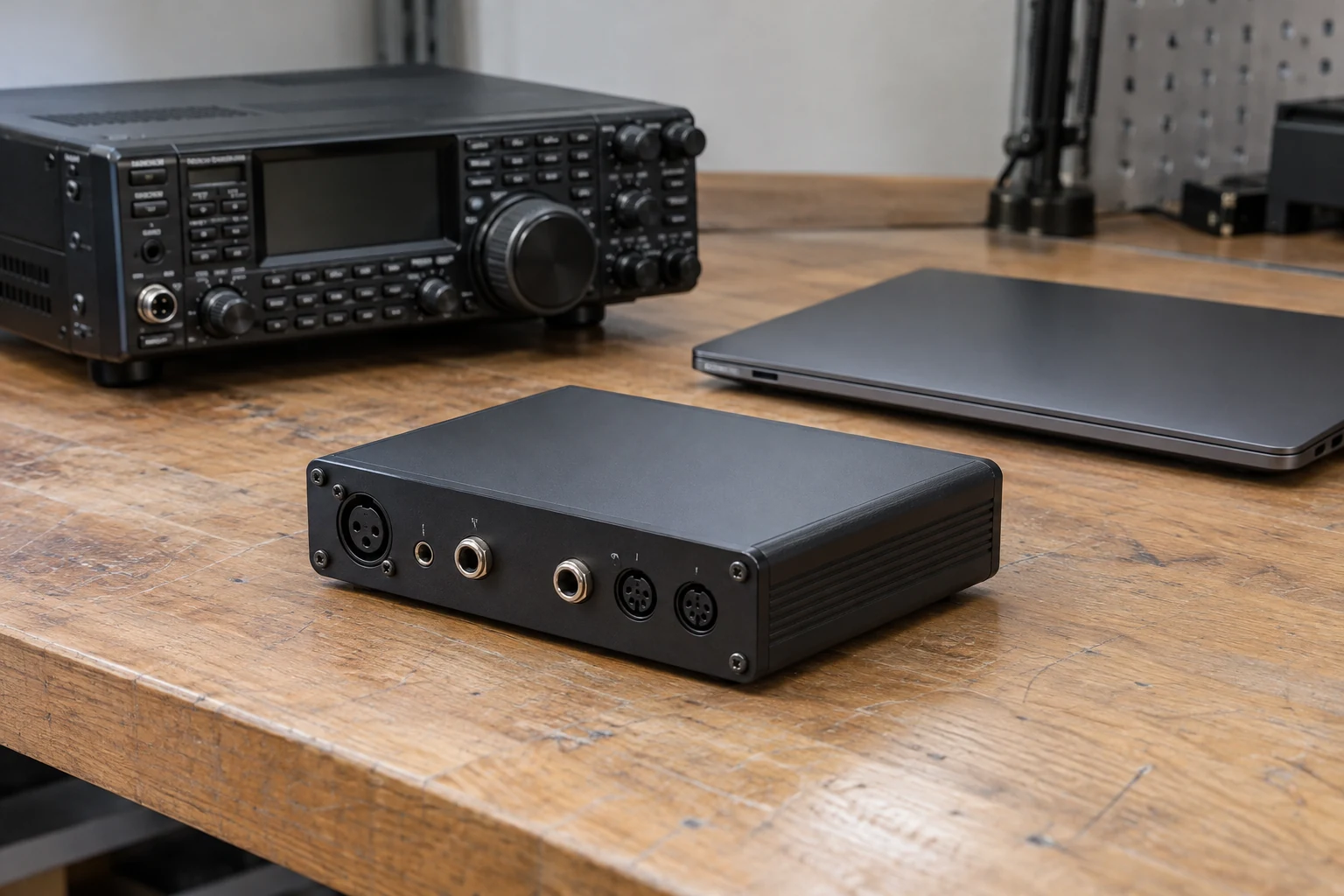
Start with an inventory of the combination you intend to use. Write down the program name and exact version; the computer’s operating system; the radio model and firmware version; and the interface model, if there is a separate interface. Include each cable, adapter, and required driver by name or part number where you can identify it. If the radio connects directly to the computer, record that arrangement rather than assuming a separate interface exists.
Then find documentation for that program version on that operating system and for the actual radio and interface. Version matters: the available official WSJT-X guide describes 3.0 and 3.0.1 downloads and documents its Rig, PTT, and soundcard selections. Its descriptions are useful examples here, but they do not establish that WSJT-X 2.7.0, a future release, or an unverified operating-system and driver combination behaves identically. The guide says to select a radio under Rig for CAT control, choose a PTT method, and select soundcard Input and Output devices.
Sort the proposed connection into four functions:
- CAT radio control: commands between the program and radio, if your intended use requires them.
- PTT switching: the means of changing between receive and transmit.
- Receive audio: sound from the radio into a computer input the program can use.
- Transmit audio: sound from the program through a computer output toward the radio.
These are questions about your intended use, not a requirement to enable every available feature. For example, you may intentionally omit CAT, but that choice does not establish how PTT or audio will work. Keep the four findings separate even when several functions share one physical cable.
Consider a hypothetical inventory: “Program version recorded; computer OS recorded; radio and firmware recorded; USB cable present; driver name unknown.” The driver entry stays unknown. Seeing the cable, or seeing a device appear on the computer, does not identify the driver required by the proposed combination. Check the radio or interface maker’s documentation and the program’s requirements before changing that entry to yes.
Match the Radio-control Path to the Program
First decide whether the intended configuration needs CAT. In the documented WSJT-X settings, Rig offers a radio selection for CAT control, or None if CAT will not be used. Choose None only as an intentional decision about control; it does not certify PTT, either audio direction, or suitability for a particular operating mode.
If you plan to control the radio directly, find the applicable radio choice and compare the control arrangement with the radio and interface manuals. If you instead plan to use a proxy controller—another application or device between the program and radio—treat that as its own arrangement. Identify the proxy choice and obtain documentation for the program-to-proxy connection as well as the proxy-to-radio connection. Do not record “direct CAT supported” merely because a different controller can communicate with the radio.
Identify the actual control device before selecting a port. A USB connector does not tell you whether the relevant control setting is the program’s special USB value or a virtual serial port supplied by a USB-connected transceiver. Match the device shown by the computer and the arrangement described by the radio and interface manuals to the program’s documented choice; do not choose by plug shape. A USB audio device, if present, is a different question from the control device.
For a serial control path, record the identified port and the radio’s required baud rate, data bits, stop bits, and handshake method. Compare each value with the radio’s user guide rather than copying settings from another radio. The WSJT-X guide explicitly directs users to consult the radio guide for those serial parameters. Also establish that the proposed protocol, port, driver, and operating-system combination is documented for this setup. If you cannot identify one of them, write unknown and ask the relevant program, radio, or interface maker; a plausible-looking port name is not evidence of protocol support.
Icom’s IC-7300 provides a useful boundary for this reasoning. Its manual documents USB functions including received audio sent to a PC and modulation input. That tells you about hardware paths, not whether a particular program version, computer OS, or driver provides working CAT—or a complete digital-mode configuration. Record each of those separately.
Verify How Transmission Would Be Keyed
Once the control plan is clear, identify an independently supported way for the program to switch the radio between receive and transmit. The documented WSJT-X choices are VOX, CAT, DTR, and RTS. Match the proposed choice to what the actual radio and interface documentation permits:
- VOX is a candidate only if the radio/interface arrangement is documented to switch on the relevant audio signal.
- CAT PTT is a candidate only if the intended control arrangement supports keying by command. Working CAT communication alone is not evidence that the selected keying command works.
- DTR or RTS is a candidate only if you can identify the relevant control line and the interface’s documented use of it. Do not force a line into a particular state without an interface-specific reason.
This is still a documentation and device-identification check. Reading settings, manuals, and device names does not require operating a keying control. Keep a proposed PTT method marked unknown if the radio or interface documentation does not say how that method reaches the radio.
Test PTT and Tune can initiate transmission. Use them only in a later test by an authorized operator with a properly prepared station or load; they are not steps in this pre-configuration check. The WSJT-X guide describes a successful PTT test as the rig being keyed. Such a later result could confirm that a particular keying route switches the radio, but it would not show that received audio enters the program or that transmit audio reaches the radio correctly.
Trace Received and Transmitted Audio Separately
Now follow sound in both directions, naming the devices at each end. For receive audio, start at the radio’s documented audio output, follow the cable or USB audio connection to the computer, and identify the device the program would select as Soundcard Input. For transmit audio, start at the program’s Soundcard Output, identify the computer output device, and follow its documented connection to the radio’s modulation input. The WSJT-X guide calls for selecting audio devices for both Input and Output.
Do not substitute the computer’s default microphone or speakers simply because they appear in a device list. The question is whether each selected device connects to the intended radio audio path. Likewise, a virtual serial port used for control is not itself an identified audio input or output. One USB cable may be involved in several functions, but neither the cable nor successful CAT communication establishes either sound direction.
The IC-7300 manual documents two relevant USB hardware functions: sending received audio to a PC and accepting modulation input. You can use those descriptions to identify candidate directions for an IC-7300 setup. You still need to identify the computer devices and check the documentation for the chosen operating system, driver, and program. The manual’s hardware description is not a claim that every such combination works.
Record the two audio findings separately. For instance: “Receive input identified from radio manual and computer device name; transmit output unidentified.” That is yes for the documented receive path, subject to the rest of the combination, and unknown for transmit audio—not “audio supported.” If a device is missing or its destination is unclear, consult the radio or interface maker’s connection documentation and the program’s audio-device guidance. Do not select an output by trial and assume it feeds the radio.
| Check | Evidence to record | Decision |
|---|---|---|
| Program version and operating system | Record the exact version and operating system, plus the documentation checked | Mark yes, no or unknown |
| Radio, interface and driver | Record exact models, firmware, cables, driver identity and supporting documentation | Mark yes, no or unknown |
| CAT, if required | Record the control device, protocol, settings and supporting documentation; otherwise note that CAT is intentionally unused | Mark yes, no, unknown or not required |
| PTT | Record the proposed keying method and documentation for the radio and interface | Mark yes, no or unknown |
| Receive audio | Record the identified radio-to-computer input device and supporting documentation | Mark yes, no or unknown |
| Transmit audio | Record the identified computer-to-radio output device and supporting documentation | Mark yes, no or unknown |
Make and Record the Compatibility Decision
Use the record above to give each requirement a yes, no, or unknown, with the manual, program documentation, or observed device identity that justifies the entry. Begin with the exact program version and operating system: write yes only when the documentation supports the version and OS you intend to use. Next record the radio, interface, firmware, cables, and driver identity. An unidentified driver or adapter remains unknown, even if other parts are documented.
For CAT, enter yes when it is required and the documented selection, device, protocol, and settings match. Enter not required if you have intentionally excluded CAT and the intended use permits that omission; do not use “not required” to conceal an unresolved control need. For PTT, name one documented method that the actual connection can use. Finally, enter separate decisions for the identified receive input and transmit output. Each yes should say what supports it: for example, the radio manual for a connection, the program guide for a selection, and the computer’s device listing for the device’s identity. A visible device name alone may identify a device without proving the complete path.
The verdict follows from those entries. Yes: documented matches across the program/OS combination and every function the intended use requires support proceeding to careful station setup. This is a documentation verdict, not a claim that transmission has been tested. No: a documented mismatch means the combination is not compatible as specified; changing a component or plan calls for a new check. Unknown: compatibility has not yet been established, so resolve the missing evidence before treating the setup as supported.
There are useful alternatives, but each has a condition. If CAT is intentionally unused, check that the intended use permits operation without it and that PTT and both required audio paths have their own documented support. If the control protocol, driver, or audio destination is undocumented, ask the relevant program, radio, or interface maker rather than converting uncertainty into yes. If a proposed PTT method is unsupported, consider a different documented method only when the actual interface can use it.
Keep this verdict separate from later physical verification. Any later test that keys the radio requires an authorized operator and a properly prepared station or load. That operator may then verify control, keying, and the two audio directions as distinct outcomes. A Test CAT response, where that check is available, answers only a control question; it cannot stand in for a complete compatibility result. The practical rule is simple: proceed only when the specific combination and every required path have evidence, and leave anything else marked unknown until it does.
Continue reading
Keep learning about radio