Trace each lead before you name it. Then put the same short ID on both ends, add the verified port and destination, and keep a matching station record. This gives you a way to reconnect a desktop station without relying on memory or cable color. A label identifies a lead; it does not prove that the lead or the equipment at its ends is electrically compatible.
Trace Each Lead Before Naming It
Start with the station and its power source off or disconnected as appropriate. Do not remove an RF connector while transmitting, and do not probe open mains connections or battery internals to settle a labeling question. The job here is to identify accessible connections, not to investigate live electrical equipment.
Make a working inventory before attaching finished labels. List the feed lines—the cables between radio equipment and an antenna or other traced RF destination—and the DC leads that carry power from a supply to equipment. Note audio and control cables separately. A crowded desktop can put several similar-looking leads beside one another; sorting by an assumed cable type is not the same as confirming where each one goes.
Take one accessible lead at a time. Begin at an equipment port whose marking you can read, follow that cable along its route, and identify its other endpoint. Write down the port name and destination as found, rather than substituting a name based on connector shape, cable color, or where you expect the lead to run. For example, if you trace a cable from a radio port marked ANT to the connection serving an attic antenna, your working note can say “ANT → attic antenna.” Use that description only for a route you have actually established; it is an example, not a map of every station.
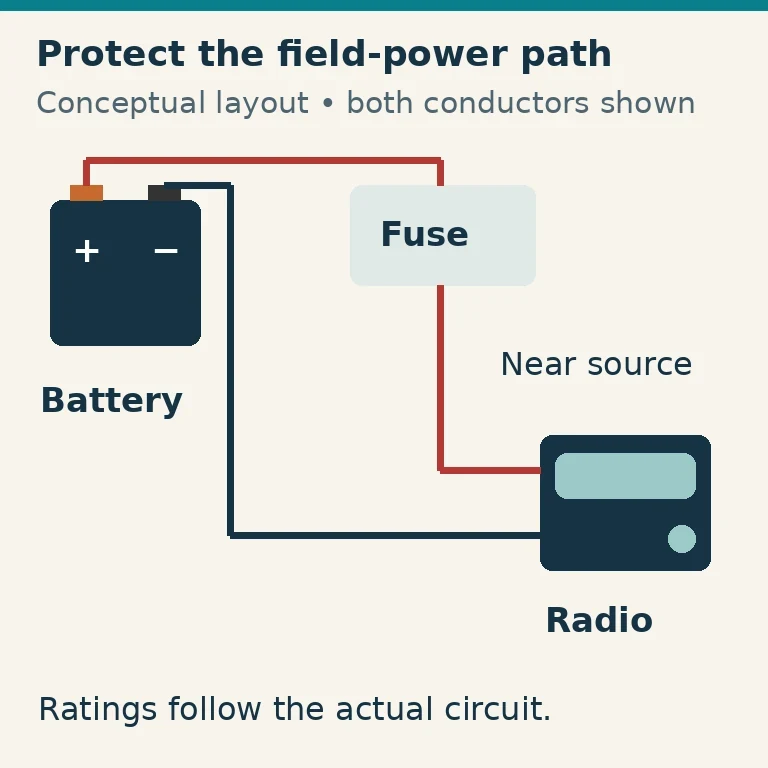
Do the same for a DC lead, recording the equipment’s DC port and the supply connection it reaches. Its route tells you which lead you are holding, but not necessarily its polarity or whether its electrical ratings suit the equipment. Check the applicable equipment documentation for the positive and negative roles, connector orientation, and relevant documented ratings. Do not infer polarity from wire color or assume that a particular plug style is center-positive.
If a cable disappears into an inaccessible route, an endpoint marking cannot be read, or polarity information conflicts, write unknown beside that detail in the working record. Leave the uncertain connection unconnected. Resolve it from documentation or with help from someone qualified to verify it safely before turning the note into a finished connection label. “Unknown” is useful information: it prevents an observation that only looks plausible from becoming an instruction for the next person at the desk.
Put Useful Information at Both Ends
Once a route is verified, assign it a short ID. You might use F1 for one feed line and P1 for one power lead. These are original organizational examples, not an FCC requirement or the IDs of a documented real station. Give each distinct lead its own ID, and use that ID consistently on its labels and in your record.
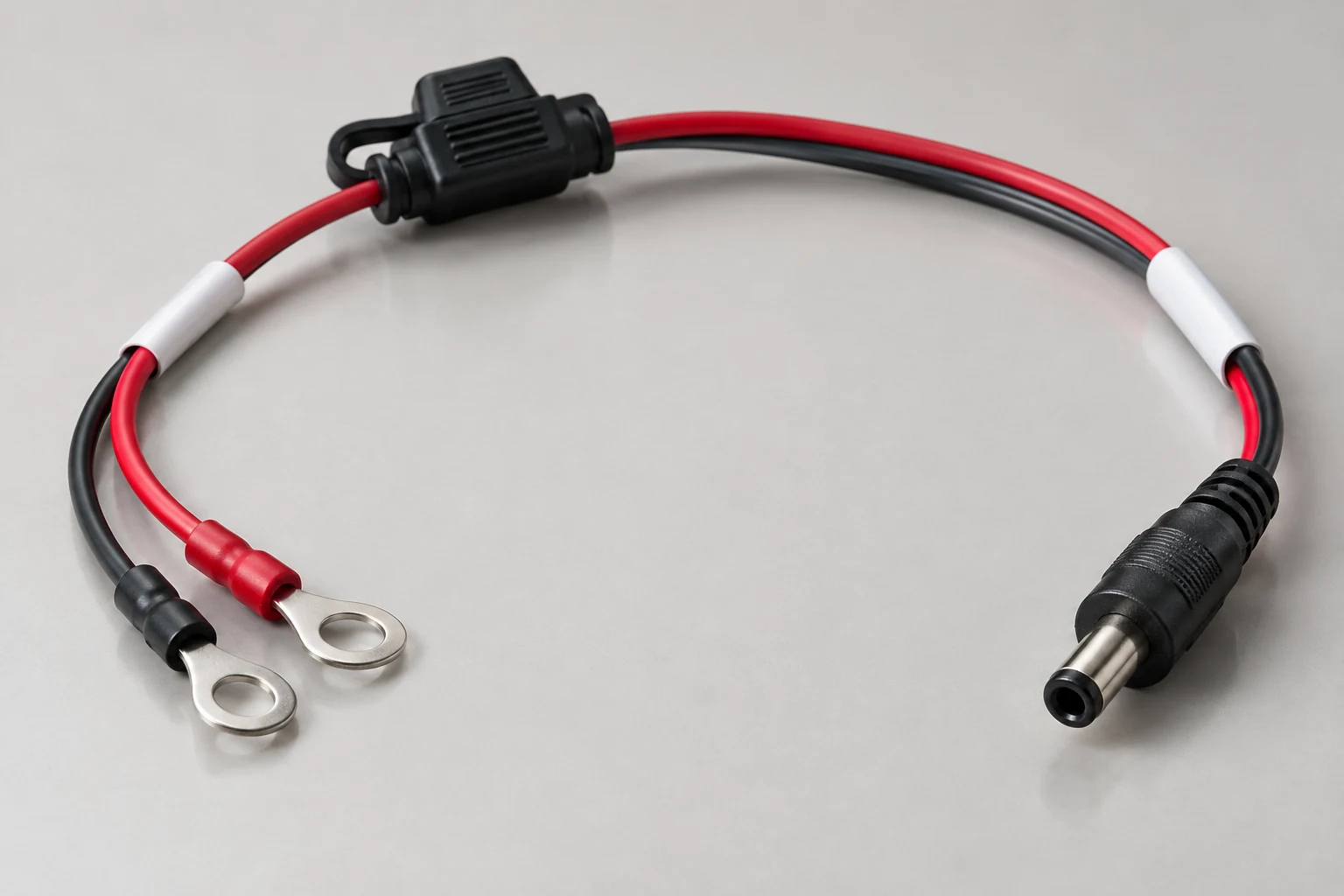
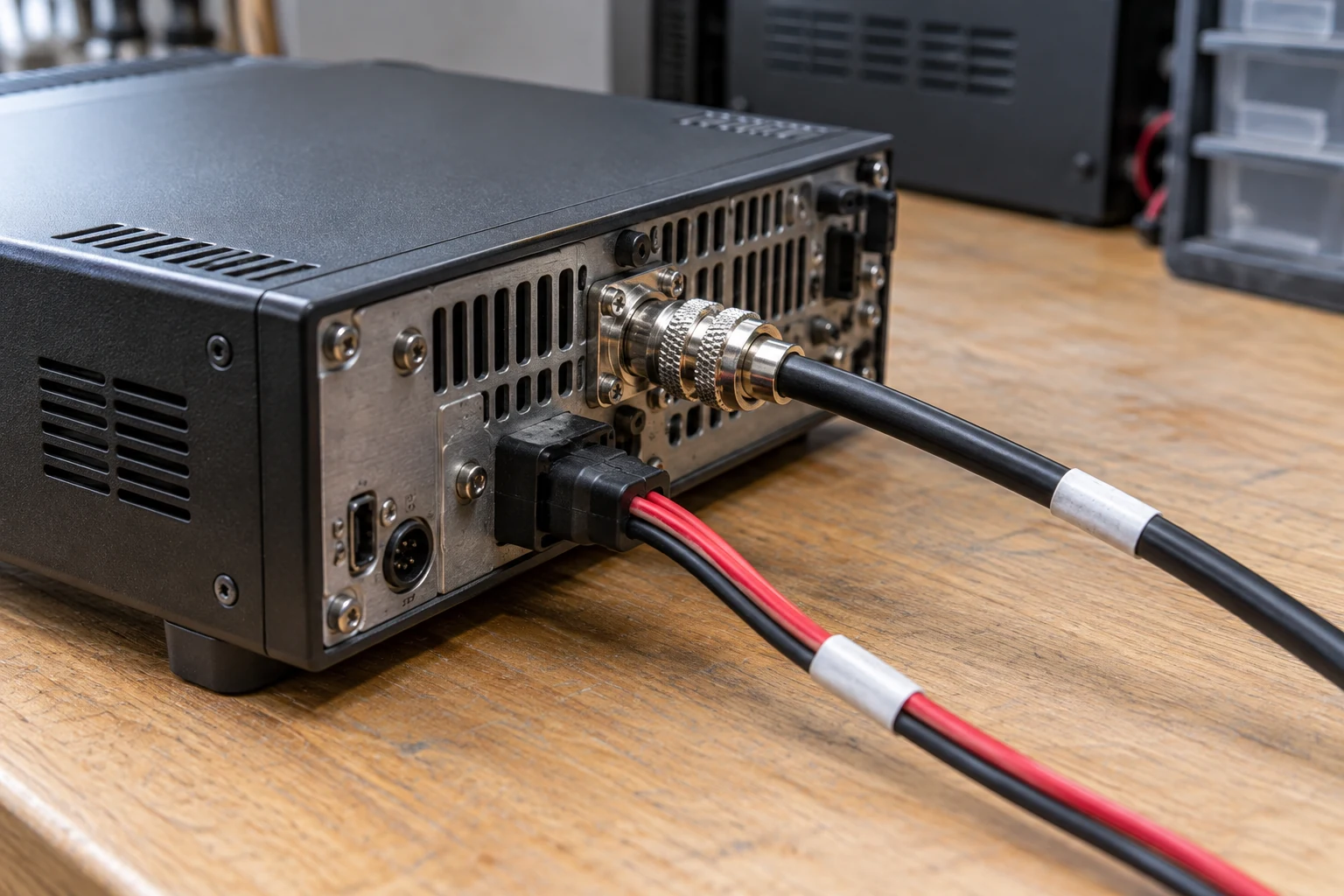
Put the same ID at both ends, with concise text identifying the verified connection. For the traced antenna example, both end labels might read “F1 · ANT ↔ attic antenna.” The label near the radio helps you select the intended ANT connection; the one at the far end helps you identify the same cable if leads are moved. Use the port name printed on your equipment and the destination you traced. The short ID links those compact labels to fuller route notes in the station record.
A DC pair needs more care than a simple supply nickname. If you have verified an equipment port marked DC and its connection to a supply you call Supply A, “P1 · DC ↔ Supply A” can identify the lead at both ends. Preserve the verified positive and negative roles, connector orientation, and documented voltage or other relevant rating in the record and, where legible, on the power-lead labels. If there is not enough room to state those details clearly on a small tag, use the ID to point to the record; do not replace the details with a color code or a guessed polarity symbol.
Treat that power label as an identification aid, not permission to connect. Before reconnecting a DC cable, confirm that the equipment is off and check the applicable documentation, verified polarity, connector orientation, and power requirements against the intended connection. For the IC-7300, Icom specifically instructs users to confirm that the transceiver is off before connecting its DC power cable and warns never to reverse that cable’s polarity. Those are manufacturer instructions for that transceiver, while the F1/P1 labeling method is simply an organizational choice. A matching ID cannot establish that a supply voltage or current capability is suitable.
Make the labels readable from where you will handle the leads, but do not place them where they interfere with the connection. Leave connectors and strain-relief areas clear so you can handle the cable without pulling on a tag. Keep manufacturer markings and fuses visible, and do not route a labeled lead across an airflow path. Icom also cautions against placing the IC-7300 against walls or putting anything on top of it; a neat label arrangement is no reason to obstruct ventilation. Tag color can help you spot a lead, but the printed ID and verified connection text must still distinguish it if colors fade, lighting changes, or someone cannot tell the colors apart.
| Cable ID | Verified equipment port | Verified other endpoint | Function and documented power details |
|---|---|---|---|
| Assign one feed-line ID (for example, F1) | Record the traced port name | Record the traced antenna or other destination | Record the verified function; mark unresolved details unknown |
| Assign one power-lead ID (for example, P1) | Record the verified DC port | Record the verified supply connection | Record verified positive and negative roles, connector orientation, and documented ratings; mark unresolved details unknown |
Keep the Connection Record Current
Maintain one compact station map that matches each cable ID to its two verified endpoints, the equipment port name, and the lead’s function. For a power lead, include the documented power details and the verified polarity and connector orientation. The template above can serve as a starting point; a simple table, a clear photo with readable port names, or both can help you maintain the map. A photo is especially useful for showing where a lead runs behind a desk, but it does not replace end labels or written details that may be hidden in the image.
Suppose you move the radio and find a lead marked F1. Look up F1, inspect the label at each end, and confirm that the physical route still matches the recorded ANT port and attic-antenna destination. For P1, match its two physical endpoints to the record, then check the intended DC connection and power requirements against the equipment documentation before switching anything on. If the route and label disagree, stop. The older label may describe a previous arrangement; neither a familiar ID nor an apparently tidy cable path resolves the discrepancy.
Update the record as part of any change, not weeks later. If F1 is rerouted to a different verified destination, revise both end labels and its map entry. If Supply A is replaced, recheck and record the power connection details rather than merely changing the supply name. If a cable is replaced, remove or retire the old ID from the former lead before assigning it to the replacement; one ID should not describe two different physical cables. Until the new route and details are established, mark unresolved fields unknown and leave the connection unconnected.
The record is also a troubleshooting aid with a defined limit. It can show which lead was intended for a port and help expose a swapped cable or stale label. It cannot tell you whether a feed line has acceptable SWR, whether a power lead has adequate current capacity, or whether an outdoor connection is weatherproof. Those properties require appropriate specifications, inspection, or testing beyond reading a tag.
Verified endpoints, matching labels at both ends, and a current record make a small station easier to reconnect and easier to question when something changes. Knowing which lead you have is the first check; knowing that it is suitable to connect is a separate one.
Continue reading
Keep learning about radio