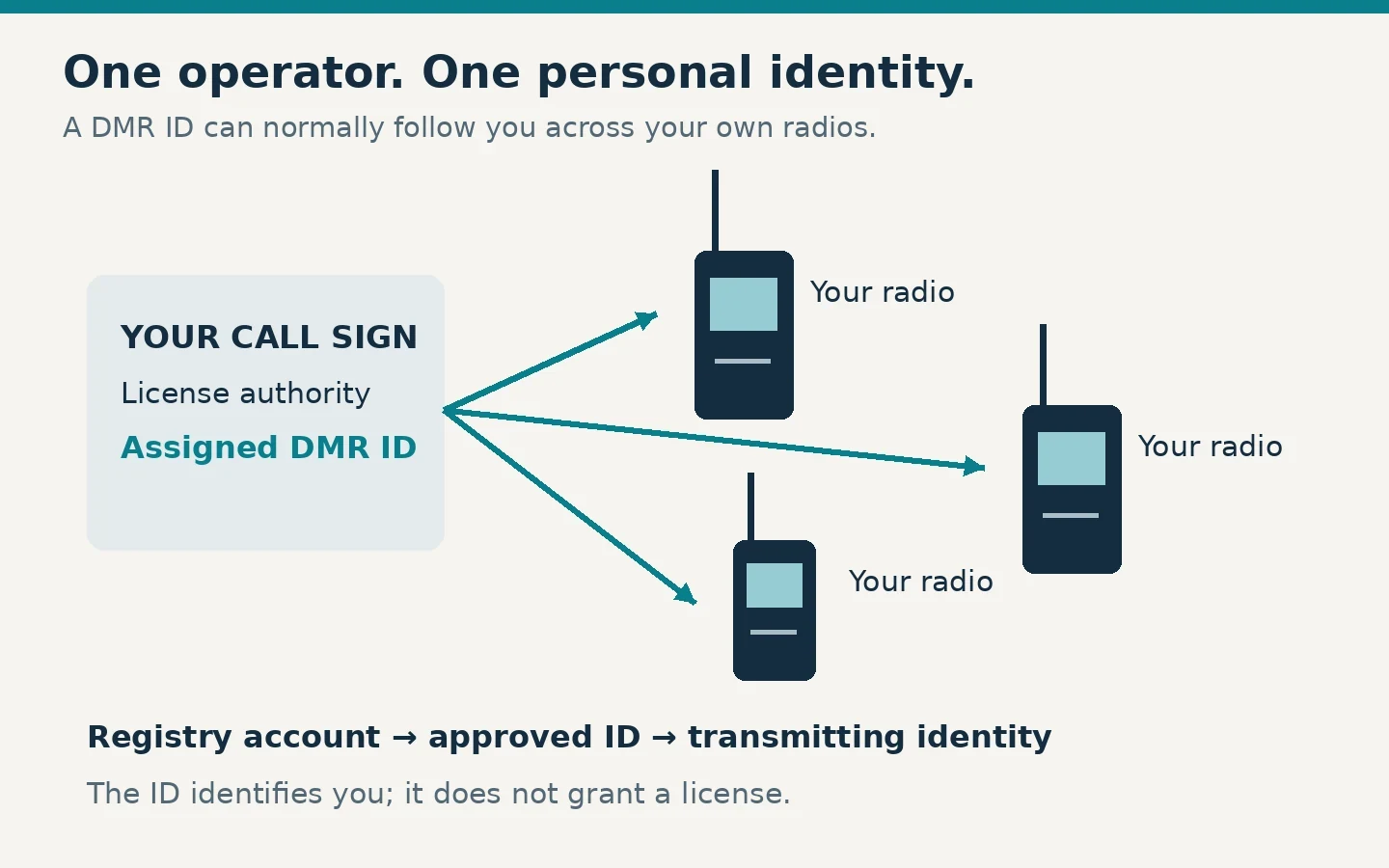
To get a personal amateur-radio DMR ID, start with an issued amateur call sign, check whether you already have an ID, and apply through RadioID.net with the license documentation it requests. Once the application is approved, enter your assigned number in your radio's programming software. The number identifies your digital transmissions; your amateur license supplies your operating privileges.
For a US beginner, the simplest goal is one correctly registered identity and one working local DMR channel. You can prepare the paperwork before you own a radio. You do not need to buy a hotspot, subscribe to a worldwide talkgroup, or collect several IDs to start.
Understand the Three Identities Before Applying
DMR means Digital Mobile Radio. In amateur use, an individual operator's numeric DMR ID helps radios and networks identify who is transmitting. Your call sign is the identification assigned under your amateur authorization. Your RadioID account is the website login used to manage the registration. Keep these separate: a password does not go into a radio's numeric ID field, and a DMR number is not an FCC license number.
A talkgroup is a destination for a group conversation. Its number belongs in the channel's destination/contact settings, not in your own radio-ID field. A codeplug is the configuration file containing channels, contacts and other radio settings. A borrowed codeplug can contain another operator's identity even when its repeater channels are useful.
This guide concerns US amateur operation, checked against FCC Part 97 on October 29, 2026. A Technician or higher license provides access to relevant amateur VHF/UHF bands, subject to the applicable frequency, emission and other rules. A digital network accepting a number does not confer permission to transmit wherever a programmable radio can tune.
Prepare Your License and Check for an Existing Number
First confirm that you have an issued amateur call sign. Passing the examination and having an active license grant are different stages. If you are waiting for the grant, finish that process rather than using an instructor's or friend's DMR number.
Next, search the RadioID database for your call sign and check any previous account or registration email. If you once used DMR and have forgotten the number, recover that identity before applying again. The Richmond Amateur Telecommunications Society's DMR instructions say that a single ID can normally be used across an operator's equipment. Buying another handheld is not, by itself, a reason to create another personal identity.
For a US application, prepare the Official Copy PDF of your FCC license. A screenshot of a public call-sign search, a club membership card and a programming-software screenshot are different documents. To obtain the official authorization:
- Enter the FCC Universal Licensing System through the FCC website and open License Manager.
- Sign in with the FCC Registration Number associated with your license and the required account credentials.
- Choose the electronic-authorization download option, select your call sign, add it to the authorizations to download, and download the PDF.
- Open the file and confirm that it is your current authorization and marked as an official copy.
The FCC Registration Number, often called an FRN, is an account identifier; it is not your DMR ID. If your authorization is missing from the account, resolve the FCC account association before sending unrelated documents to a digital-radio registry. Keep a private copy of the original downloaded PDF.
Apply Through RadioID.net
Go to radioid.net yourself and use its registration entry. Follow the current account, email-verification and personal-ID application instructions, supplying your actual amateur call sign and the requested license proof. The precise screen order may change. Treat account creation and an assigned ID as separate checkpoints: being able to sign in does not, on its own, mean your application has been approved.
Use an email address you can continue to access. Before submitting, compare the call sign and name against the license PDF, and make sure the uploaded file is legible and complete. If the application asks you to resolve an identity mismatch, correct the mismatch rather than opening a second account with different details.
Read the registry's current privacy terms before you submit personal documents. An amateur-radio identity is intended to be discoverable by other operators. Do not assume that a login makes the resulting call-sign/ID listing private, and do not attach extra identity documents unless the actual service requests them through its official process.
Submit the application, retain the confirmation, and follow the service's current instructions for checking its progress. Avoid treating a forum's old turnaround estimate as a guaranteed approval time. If you receive a correction request, respond to that request with the corrected material. If the application is stalled, use RadioID's own support entry with your call sign and application details; keep account passwords and license documents out of public discussion threads.
For this step, your completion check is an assigned number associated with your own call sign, not a “submitted” message. Record that number accurately in your private station notes.
Enter the Assigned ID Without Losing Your Configuration
Your radio manufacturer supplies Customer Programming Software, commonly abbreviated CPS. Use software and instructions appropriate to the exact model and firmware. Before editing a radio that already works, read its existing configuration and save a dated backup.
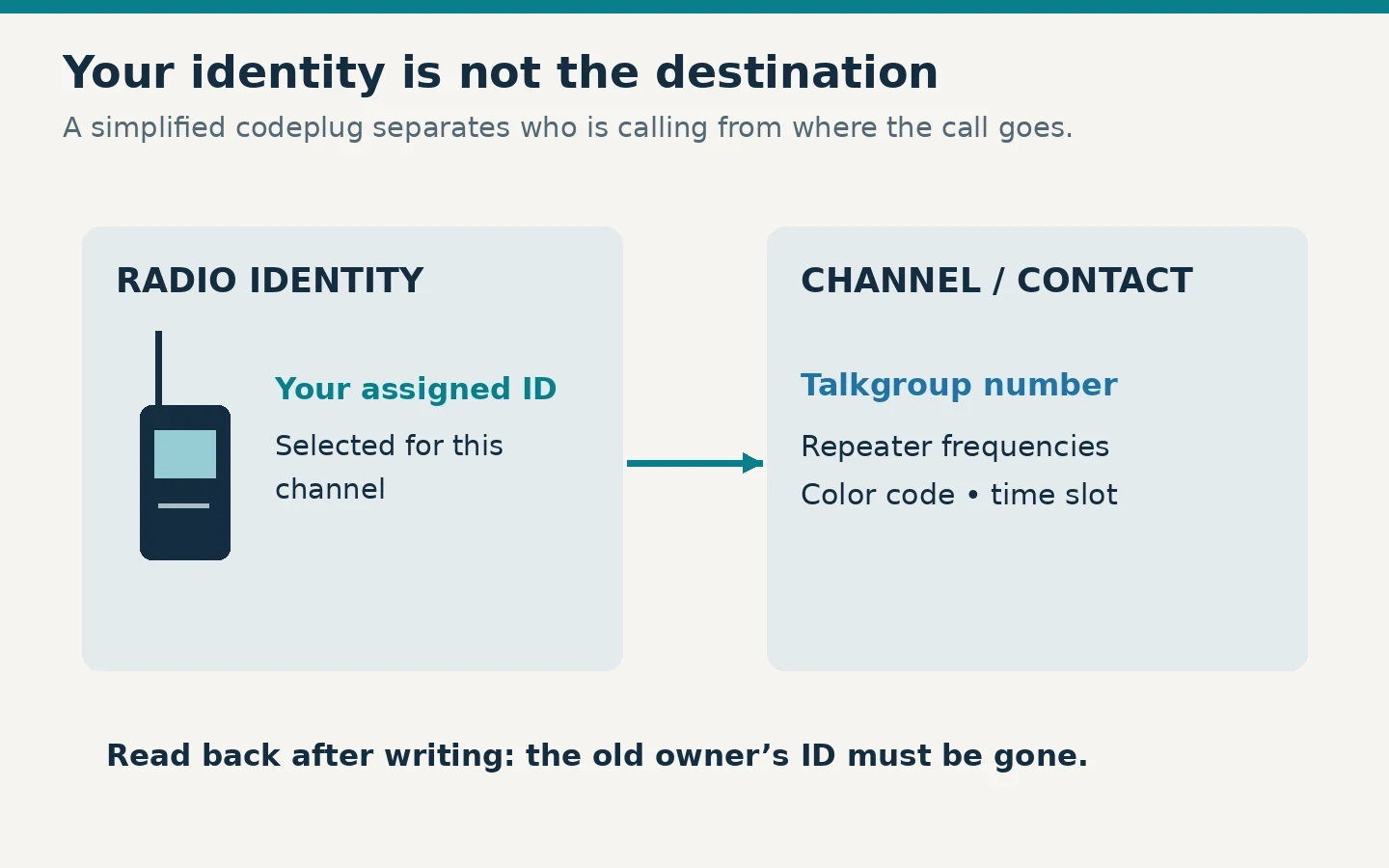
Find the field that sets the radio's transmitting identity; manufacturers may label it Radio ID or DMR ID. Enter your assigned personal number. If the CPS supports multiple identities, select yours for the channels you will use, rather than merely adding it to an unused list. Save the edited codeplug, write it to the radio using the manufacturer's procedure, and read it back to confirm that the intended settings survived.
A downloaded contact database has a different purpose: it lets a display translate received numbers into names or call signs. Updating that database does not necessarily change the number your radio transmits. Likewise, putting your call sign into a startup-screen message is not proof that your transmitting ID is correct.
Check a borrowed codeplug especially carefully. Replace its personal identity, then verify the local repeater settings with the repeater owner. At minimum you need the correct receive/transmit frequencies, color code, time slot and talkgroup. The color code and time slot are channel-access settings; neither is your personal registration number. Do not assume a codeplug from another town has the right local values.
Make One Controlled First Test
Choose a locally recommended test or local conversation channel, and read its operating instructions. A DMR repeater receives your signal and retransmits it; a network may then carry it to other repeaters. A brief mistake can therefore be heard far beyond the nearest tower.
Listen first. If the local system offers an echo test, use the documented destination and procedure rather than guessing a universal echo number. RATS describes an echo facility on its own DMRVA network; that is an example of an operator-provided service, not a promise about every network. Where a last-heard display is available, compare the transmitted ID with your assigned ID.
Then make a short call using your actual call sign and naming the talkgroup. Replace this bracketed example with your information: “[your call sign], listening on [local talkgroup].” Give another operator time to answer. FCC §97.119 requires your assigned call sign at the end of each communication and at least every ten minutes during a communication. A numeric DMR display is not a reason to omit normal spoken identification.
Fix the Right Problem
| What you observe | What to check next |
|---|---|
| No approval or ID assignment | Account email, license proof, application messages and official registry support |
| Radio still sends a previous owner's number | Selected transmitting identity, saved codeplug and radio readback |
| Correct number appears, but nobody hears your audio | Local repeater access settings, coverage, selected talkgroup and microphone/audio settings |
| Other radios display a number without your name | Their contact database may need refreshing; this alone does not prove your ID is wrong |
| You have changed call signs | Ask the registry how to update the existing record before creating a duplicate |
Save the approved registration email, your current number, the official license PDF and the final backed-up codeplug together. You are ready for the next contact when the identity is yours, the channel is locally verified, and your first test behaves as expected.