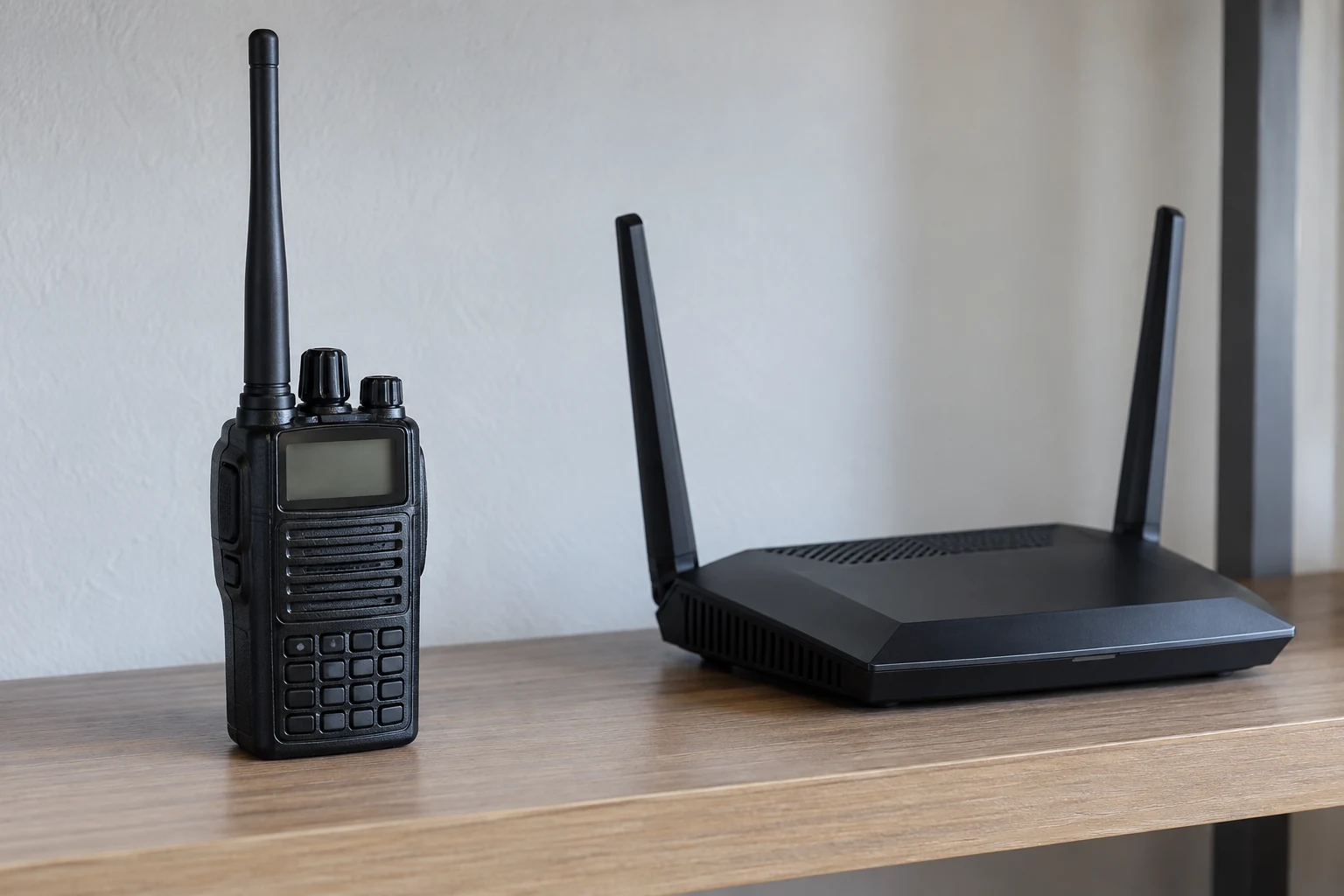
Yes, it can—but the answer depends on the frequencies actually in use and what the equipment does during a transmission. In the United States, parts of the amateur 13 cm allocation intersect the frequency range TP-Link gives for 2.4 GHz Wi-Fi. A Region 2 amateur allocation also contains the center frequency TP-Link lists for one 5 GHz Wi-Fi channel. Those are reasons to investigate possible direct overlap, not evidence that a particular router is experiencing interference.
A frequency is only the first part of the picture. ARRL describes two other possibilities: a nearby signal may be strong enough that receiving equipment cannot reject it, or a transmitter may emit an unintended signal outside its assigned frequency. Neither possibility can be diagnosed from a home Wi-Fi slowdown alone. Lost connections and slow transfers are observable symptoms, but NETGEAR describes them as problems that can be caused by interference—not as proof of its source.
The useful question is therefore narrower than “Does ham radio interfere with Wi-Fi?” It is: Does this Wi-Fi problem repeatedly coincide with ordinary, lawful operation of this station, under comparable conditions? The frequency comparison helps frame that question; a written on-air/off-air comparison helps decide what deserves attention next. It still may not identify the mechanism. The examples below use U.S. Region 2 amateur ranges. Actual operating authority and router channel choices depend on the applicable rules, license, location and equipment; verify current rule-dependent details before acting.
Where the Frequency Ranges Meet
The clearest potential for direct overlap comes from comparing ranges rather than treating “ham” and “Wi-Fi” as wholly separate labels. FCC Part 97 §97.301 lists 2390–2450 MHz for the U.S. Region 2 amateur 13 cm band. TP-Link describes the 2.4 GHz Wi-Fi band as 2400–2483.5 MHz. Comparing their endpoints, the shared interval is 2400–2450 MHz. That intersection is arithmetic: it identifies frequencies appearing in both cited ranges. It does not say a station is transmitting there, that a router is using any particular part of the range, or that reception will fail.
A similar comparison at 5 GHz needs more care because the available Wi-Fi evidence is different. The Region 2 column of the FCC amateur table lists 5.650–5.925 GHz for 5 cm. TP-Link’s channel table lists 5745 MHz, or 5.745 GHz, as the center frequency of channel 149. That center lies inside the cited amateur range. But a center-frequency entry does not establish the width of a selected Wi-Fi channel, whether channel 149 is available on someone’s router, or how that router would behave near a transmission. It is an example of a frequency worth checking, not a diagnosis of every 5 GHz connection.
There is also a separate FCC Part 15 statement: qualifying digital-modulation systems may operate in 2400–2483.5 MHz and 5725–5850 MHz, among other listed ranges. That regulatory range should not be read as a promise that every frequency within it appears as a selectable Wi-Fi channel on a particular device. TP-Link notes that usable channel ranges vary by country under applicable regulations. In other words, the amateur allocation, a Part 15 operating range and a router’s offered channel list answer different questions.
For contrast, the same Region 2 amateur table lists 144–148 MHz for 2 m and 420–450 MHz for 70 cm. Neither range directly intersects TP-Link’s cited 2400–2483.5 MHz Wi-Fi range, and neither contains its 5745 MHz channel-center example. A Wi-Fi problem noticed during a 2 m or 70 cm transmission therefore should not be called direct overlap on those cited frequencies. That conclusion does not rule out a different path; it only rules out this particular range-intersection explanation.
For a real household, replace band names with observations: What frequency was the amateur station actually using? What band and channel did the router report? An allocation lists possibilities; it cannot identify the frequency in use, the affected device or the cause of a dropout. Check the station’s operating authority under the applicable current rules and license, and use the channel choices the router actually offers for its location. Until those details are known, even a genuine intersection on paper remains a question to investigate rather than an interference finding.
Why a Different Frequency Can Still Coincide with Wi-fi Trouble
No direct intersection is required for every possible radio-related problem. ARRL explains that a nearby radio signal can be on its assigned frequency yet be strong enough that some receiving equipment cannot reject it. Applied to a Wi-Fi complaint, this is a possible receiving-equipment response, not proof that a particular router has one. It also differs from the claim that the amateur transmitter is operating on a Wi-Fi frequency: the concern is how equipment responds to a nearby signal, not an arithmetic match between the two named ranges. Establishing whether that explanation fits would require more than noticing that the station was on the air.
ARRL describes a separate possibility: a nearby transmitter may inadvertently put weak signals on a frequency not assigned to it. Such an unintended signal should not be presumed merely because Wi-Fi slows during transmission. But if evidence eventually points toward unwanted emissions, the distinction matters. FCC Part 97 §97.307(c) requires spurious emissions from a station transmitter to be reduced to the greatest extent practicable. It also says that if a spurious emission causes harmful interference to reception of another radio station, the interfering amateur station’s licensee must take steps to eliminate that interference in accordance with good engineering practice. That is the rule’s stated condition—not a finding that the station in a Wi-Fi complaint has spurious emissions, and not a blanket statement of legal priority over Wi-Fi.
The symptoms themselves offer much less information than either mechanism. NETGEAR names frequent lost connections and slow data transfers among Wi-Fi issues that can be caused by interference. A user can record a dropout or slowdown without knowing its source. Even if the timing seems suspicious, the symptom does not distinguish a shared frequency from receiver rejection, an unintended emission, or another coincident change. It certainly does not, by itself, show that someone operated improperly.
That is why frequency arithmetic and a symptom report serve different purposes. The arithmetic identifies a plausible direct-overlap question; ARRL’s descriptions identify other possibilities worth considering. Neither substitutes for comparing what happens during normal on-air and off-air periods. The next useful evidence is a repeatable observation with enough detail for the operator and Wi-Fi user to tell what stayed the same—and what changed.
Compare the Connection During Normal On-air and Off-air Periods
ARRL recommends determining whether the interference is present when the radio station is on the air. It also calls for carefully written results covering the station’s normally used frequencies, antenna directions and power levels. The aim here is a cooperative comparison during ordinary lawful operation, not a special high-power experiment, a new antenna arrangement or work inside either device. The Wi-Fi user and operator can first agree on what will be observed and record when the station is transmitting and when it is off air.
A useful record joins two views of the same period:
- From the Wi-Fi side: note the time, the router-reported band and channel, the device and task being observed, and what happened—for example, whether a connection was lost or a familiar transfer slowed. Record the same kind of observation during off-air periods, not just when trouble appears. Lost connections and slow transfers are useful things to record because they are observable Wi-Fi symptoms, not because either identifies a transmitter.
- From the station side: note whether it was transmitting or off air and, for normal operations being compared, the frequency, antenna direction and power level. ARRL calls for documenting normally used variations and writing down results; the record should preserve those distinctions rather than lumping every transmission together.
- For both sides: keep the comparison as similar as practicable. If the router channel, the Wi-Fi task or the station’s normal operating condition changes, write that down. A changed condition may be informative later, but it should not be silently treated as the same trial.
Consider a hypothetical matched observation. A Wi-Fi user repeats the same ordinary task while the router reports the same band and channel. The task works during one off-air period, slows during a normal station transmission, and recovers afterward. The pair sees that pattern again in later comparable periods and records the station’s frequency, direction and power for each. Repetition would strengthen the case for a timing relationship worth investigating. It still would not tell them whether the path was direct overlap, difficulty rejecting a strong nearby signal, an unintended emission, or some other change that happened at the same time. The record supports a narrower conclusion: under those recorded conditions, the symptom repeatedly coincided with transmission.
Now consider a different hypothetical record: the connection is slow before a transmission, remains slow while the station is on the air, and is still slow after it stops. That comparison does not show a transmission-linked change. A single dropout during one transmission is also inconclusive if comparable off-air and later on-air observations are missing. In either case, record what occurred rather than labeling it ham interference. Repeating the same Wi-Fi task under comparable conditions, while keeping the station’s normal-operation details, gives the next comparison a chance to clarify the timing. It may instead show that the trouble continues regardless of the station.
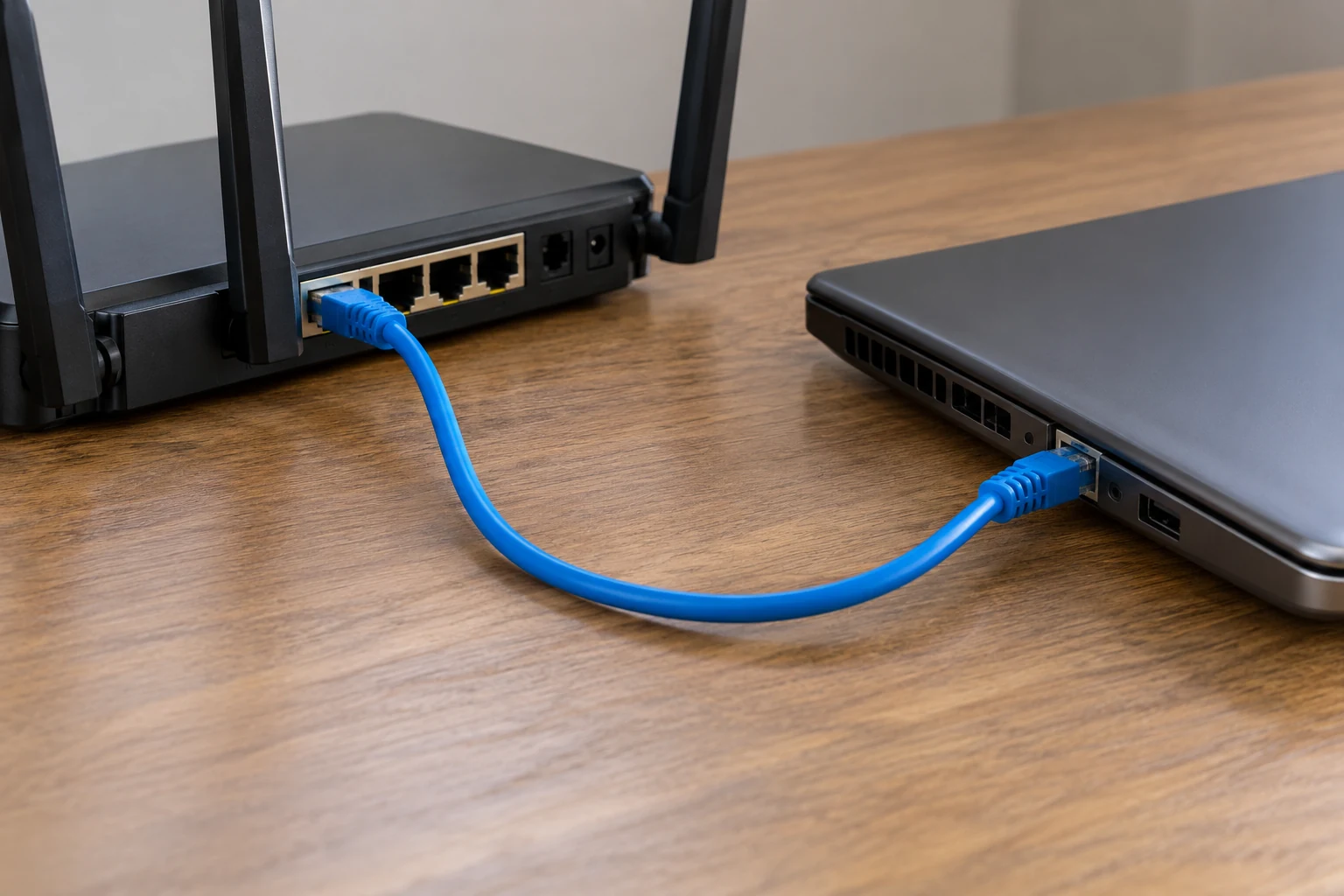
An optional author-designed isolation comparison, separate from ARRL’s on-air advice, is to observe the same task using an ordinary wired connection as well as Wi-Fi, if that is already practical without changing equipment internally. If trouble appears only on Wi-Fi under otherwise comparable conditions, attention can shift toward the wireless portion of the connection. If both behave alike, that particular contrast offers less reason to single out the wireless link. Neither result proves an RF mechanism or identifies a transmitter: it is another observation to add to the record, not an externally established diagnosis or a reason to open or repair equipment.
The strength of this approach is also its limit. A written comparison can reveal a repeatable relationship and show which conditions deserve a closer look. It cannot turn a slowdown into a measurement of unwanted emissions. Keeping that limit explicit makes the record more useful to anyone who later helps investigate the problem.
Choose the Next Step from What the Comparison Shows
If a repeatable problem appears tied to one router band or channel, a proportionate next comparison is to try an alternative that the router actually offers and that is permitted locally. NETGEAR advises trying different channels when interference is observed; TP-Link cautions that usable channel ranges depend on country-specific regulations. Record the old and new settings, then compare the same Wi-Fi task during comparable on-air and off-air periods. An improvement would identify a potentially useful setting under those conditions. It would not prove which interference path existed, and a channel change is not a guaranteed cure.
If supported settings do not change a repeatable problem, or the evidence raises concern about unwanted emissions, the operator should seek a technical assessment of the station rather than infer a violation from the Wi-Fi symptoms or attempt an internal repair. FCC Part 97 §97.307 separately requires emissions resulting from modulation to remain within the band or segment available to the control operator. That requirement is distinct from §97.307(c)’s spurious-emission provisions described above. Neither rule, on its own, diagnoses what happened in a particular household; an assessment must address the actual operating conditions and evidence. ARRL notes that a technical investigation may be needed to pinpoint the cause and suggest a solution.
If the observations remain ambiguous, the answer is not to force a verdict. Preserve the times, symptoms, router settings and normal station details; continue only comparisons that are lawful and non-invasive, or ask for qualified help with the record in hand. If a proposed cure requires work inside affected equipment, ARRL says that work belongs with authorized service personnel. The same boundary applies whether the complaint first appeared on an apparently overlapping channel or alongside an amateur frequency far from the cited Wi-Fi examples.
Ham radio can be relevant to Wi-Fi trouble: some cited frequency ranges intersect, and ARRL identifies other possible paths. A repeated, documented on-air association—and especially a change tied to a supported router setting—can guide the next question. Persistent or unclear trouble calls for technical investigation, not a universal conclusion about ham radio, Wi-Fi, or the conduct of a particular operator.