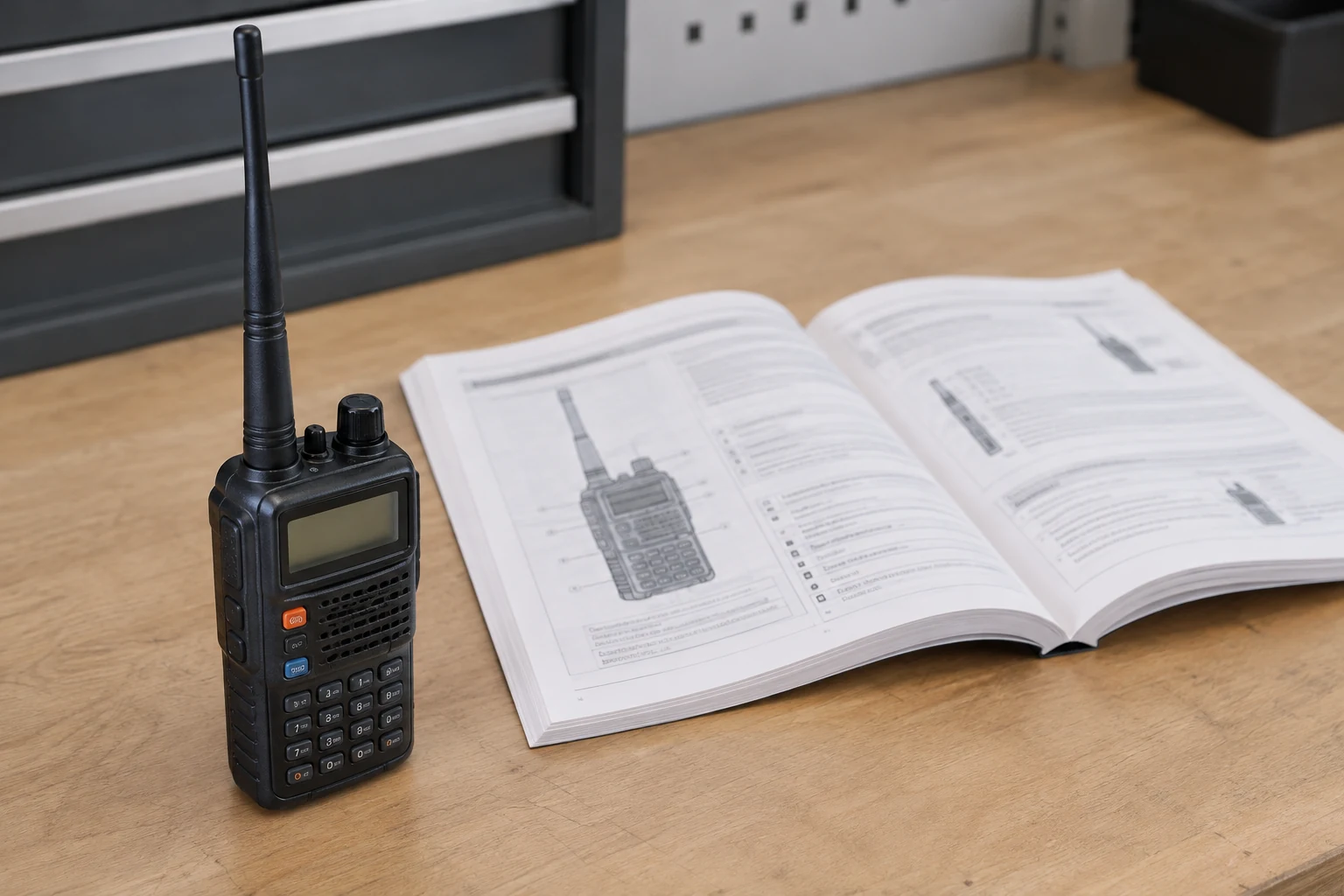
To program a simplex memory, set the intended frequency and settings in VFO mode, write them to an ordinary memory channel, then recall that channel and inspect what was saved. You can do all of this without transmitting. The button sequence below is from Icom’s IC-V86/U86 Basic Manual; it is an example to follow only if it matches your radio and manual, not a universal handheld procedure.
Prepare the Frequency, Manual, and Memory Slot
A simplex channel uses the same intended frequency for transmitting and receiving, with duplex off. A repeater offset does something different: it changes the transmit frequency relative to the receive frequency. If your radio suggests an offset automatically, that suggestion is not a reason to save it in a simplex memory. A CTCSS tone is not an inherent requirement of simplex, either. Decide whether the communication you intend actually calls for a tone rather than enabling one by habit.
Start with the manual for your exact handheld model and regional version. Check what mode the radio currently displays before using its button instructions. A key may take you through more than one operating mode, so the visible starting state matters. The IC-V86/U86 instructions in this guide describe what Icom documents for that radio; if yours differs, use its own manual to find the equivalent VFO, memory-selection, write, and recall actions.
Next, establish the channel you intend to save. Use applicable local guidance to choose the amateur frequency and mode, and determine whether a particular tone state is wanted. Write down those decisions before changing the radio. This guide deliberately supplies no example frequency or tone: inserting an arbitrary value would make it harder to tell whether the recalled memory matches your intended channel. If the frequency, mode, or tone decision is unresolved, settle it before writing.
Choose an ordinary memory slot and determine whether it already contains something you need to keep. A channel number that looks available is not proof that it is empty or disposable. Consult the exact manual and any record you keep of the radio’s memories; if you still cannot establish that the target is safe to overwrite, defer the write. The IC-V86/U86’s scan-edge targets, marked 1A/1b through 3A/3b, and its Call channel are distinct from an ordinary chosen memory. Icom describes separate choices for those targets.
Finally, keep programming separate from permission to transmit. Setting or inspecting a channel without pressing PTT—the push-to-talk control—does not establish transmit authority. Any later transmission needs an appropriately licensed control operator, a lawful frequency and mode, and a suitable station configuration. You do not need to resolve that later operating decision by making a test transmission now.
| Check | Before writing | After recalling |
|---|---|---|
| Intended frequency | Record the frequency you selected | Record the displayed frequency |
| Duplex | Record off for simplex | Check duplex is off; on the IC-V86/U86, check that no duplex icon appears |
| Tone | Record the tone state you intend to use | Record the recalled tone state |
| Ordinary memory target | Record the slot only after confirming it is safe to overwrite | Record the channel you recalled; stop if it is not the intended one |
Set the VFO and Write an Ordinary Memory
On the IC-V86/U86, VFO is the mode in which you prepare the frequency before programming memory. Icom’s Basic Manual begins its memory procedure by selecting VFO, setting the desired frequency, and, if wanted, setting other data such as duplex direction and tone squelch. Follow your applicable manual’s frequency-entry instructions rather than assuming a keypad sequence from another handheld.
Use this sequence to keep the setting decisions, target selection, and final write distinct:
- Select VFO and set the intended frequency. Push VFO/MR/CALL as needed to reach VFO mode on the IC-V86/U86. Enter the frequency you prepared, using the instructions for your radio. Before moving toward a memory target, compare the displayed frequency with your written choice. If they differ, correct the VFO entry first.
- Check duplex and tone separately. For this simplex channel, set duplex off even if the radio presents a repeater offset. Icom says that no duplex icon appears when simplex is selected on this example radio, giving you a visible check. Then set the tone to the state you actually chose: simplex alone is not a reason to turn on a CTCSS tone. Check both settings as they appear on your radio rather than assuming that selecting a frequency set them correctly.
The regional version matters here. Icom says the USA version of the IC-V86 automatically activates repeater settings, including DUP– or DUP+ and tone-encoder ON/OFF settings. That statement does not tell you which state your particular display currently shows, and it does not describe every IC-V86/U86 or other handheld. Inspect and correct the actual duplex and tone settings before saving.
- Enter programming selection and choose the target. On the IC-V86/U86, push FUNC, then push VFO/MR/CALL. This action is not yet the final write. Use the up/down keys to select the ordinary memory slot you checked earlier. Read the target shown on the radio before proceeding. Icom identifies 1A/1b through 3A/3b as scan-edge selections and specifies Call-channel mode for programming the Call channel; neither is the ordinary target in this walkthrough.
- Cancel if the choice is uncertain; otherwise write. This is the point to stop if the displayed target is not the one you checked, you cannot tell whether it is safe to overwrite, or you are unsure about the frequency or settings. Icom says to push VFO/MR/CALL to cancel before the final programming step. Resolve the uncertainty using the manual, then start the appropriate procedure again. Do not use a write as a way to find out what a questionable slot held.
When the VFO data and ordinary target are both correct, push FUNC, then hold VFO/MR/CALL for one second to program the memory. Icom says three beeps sound. The earlier FUNC-and-push action entered programming selection; this FUNC-and-hold action commits the write. Keeping those actions distinct is especially important if you decide to cancel before committing.
The beeps tell you that the documented write action took place, not that every value you intended was stored in the memory you intended. Leave PTT alone and check the result by recalling it.
Recall the Channel and Check What Was Saved
On the IC-V86/U86, push VFO/MR/CALL as needed to select Memory mode, then use the up/down keys to select the channel you just programmed. Icom says this Memory-mode selection path displays only programmed channels. That helps you find a stored channel for inspection; it does not retroactively prove that a slot was safe to overwrite before you wrote it.
Compare the recalled display and settings with the choices you recorded before writing:
- Channel and frequency: Is this the ordinary memory target you meant to select, and does it show your intended frequency? Selecting the wrong programmed channel can otherwise make a correct-looking frequency misleading.
- Duplex: Is duplex off? For the IC-V86/U86, check for the absence of a duplex icon when simplex is selected. An offset or duplex indication is a reason to stop rather than assume the channel will use the same intended frequency for transmit and receive.
- Tone: Does the recalled tone state match your decision—including off if you did not intend a tone? Check the setting itself, not what you expected an automatic setting to do.
- Other settings you intended to save: Where your exact radio and manual provide them, inspect the saved mode and power setting. If your particular equipment offers a receive-only setting relevant to your plan, check it using that equipment’s documentation; this IC-V86/U86 memory procedure does not establish that such a feature exists on this radio.
A channel name is a label, not evidence of the underlying frequency, duplex, or tone settings. Likewise, Icom’s three-beep confirmation does not replace inspecting the recalled result. The useful check is whether the memory you selected now displays the choices you prepared. You can make that comparison without pressing PTT.
If a recalled setting is wrong, or the recalled channel is not the intended target, do not transmit and do not blindly overwrite another slot. Return to the exact manual, establish the correct VFO settings and a safe ordinary target, and only then use its write procedure again. If you cannot establish those facts, leave the memory unchanged until you can.
The result you want is a recalled simplex memory whose frequency, duplex state, tone state, and target you have visibly checked without a test transmission. Using it to transmit later is a separate decision requiring the appropriate operator authorization, lawful frequency and mode, and suitable station configuration.
Continue reading
Keep learning about radio