To check a repeater net schedule, start with the repeater’s name or call sign and find the schedule published by its operator or sponsoring club. Confirm the particular net’s day, time zone, venue, visitor rules and recent announcements before putting it on your calendar. A directory frequency tells you where to look for equipment information; it does not tell you that a net is meeting or that you may check in. Before transmitting, verify your station settings and license privileges separately. Then listen for the net control station’s invitation and follow the check-in procedure announced on air.
Find the Operator’s Current Net Listing
A net is an organized on-air session. A repeater relays radio transmissions, but its existence does not mean a net is in progress. Begin with the repeater name or call sign you already have, and search for the organization responsible for it. On that organization’s site, look for a net schedule, event calendar or recent announcements that name the session you want to join.
Keep two kinds of information separate as you search:
- The net listing answers whether and when this particular session meets: its name, organizer, schedule, purpose and any check-in conditions.
- The repeater information answers how to reach the equipment: the published channel and access settings, if you need them.
You may need both pages, but neither substitutes for the other. A repeater directory may show a frequency and tone without saying that any net meets there. Conversely, a calendar entry may announce a net without giving every setting needed to configure your station. Treat a search-result snippet as a lead to open, not as the complete appointment.
For example, suppose a directory points you to a repeater and an older club post mentions a weekly net. Search using the repeater’s name or call sign and the club’s name, then look for the club’s own current calendar or net page. Check whether it names the same net and venue. Next, look for a publication or update date and for newer announcements about changes or cancellations. This is a way to verify your local operator; the Puget Sound Repeater Group schedule discussed below is an example of how to read a listing, not a substitute for finding yours.
If two listings disagree, compare what each actually says and when it was posted. Prefer a current announcement from the responsible operator over an old repost, but do not guess which time or venue wins if the conflict remains unresolved. Ask the named organizer or club for confirmation before making plans to transmit. If a page has no visible update date, that is a reason to check recent announcements or ask—not proof that the page is wrong.
At this stage, your goal is to identify an accountable source and a named net, not merely a usable-looking frequency. Save the operator’s page or contact route so you can check it again close to the session. If you cannot establish that the net is currently scheduled, you can still listen, but do not treat the directory entry as an invitation to check in.
Turn the Listing Into a Complete Appointment
Once you have the operator’s listing, turn it into a calendar entry you can use without reconstructing its meaning later. The following is a planning record, not a set of assumed conditions for any particular net. Fill it from the organizer’s current information and leave unresolved fields marked confirm.
| Record | What to write or confirm |
|---|---|
| Net and organizer | The named session and the group responsible for it |
| Day and start time | The organizer’s stated day, date if applicable, and clock time |
| Time zone | The named zone; ask if the time is unlabeled |
| Seasonal time treatment | Whether the organizer changes the stated time seasonally or describes how daylight-saving changes affect it |
| Venue | The specified repeater or a separately listed simplex channel |
| Purpose and eligibility | What the session is for and whether visitors or non-members may check in |
| Changes | Where the organizer posts cancellations or schedule updates |
| Checked on | The date you last verified the listing and announcements |
The time-zone field matters even if the clock time looks familiar. Do not silently interpret an unlabeled time as UTC, your own local time or the repeater’s local time. Confirm what the organizer means. If you convert it to your zone, check the resulting day and date as well as the hour: as a hypothetical example, a session late on Monday for an organizer could fall on Tuesday for a listener in a zone farther ahead. Set your reminder for the converted date, while keeping the organizer’s original day and time in your record for comparison.
Read each event on a schedule independently. On the Puget Sound Repeater Group (PSRG) schedule, read on 2026-10-20, one description says net control takes announcements, questions and comments at about 19:30 and accepts member and non-member check-ins. The schedule separately lists daily 09:00, 12:00 and 21:00 nets. It also identifies a Saturday simplex voice net on 146.560 MHz . Those entries should not be collapsed into one appointment: the quoted 19:30 description alone does not establish its weekday or time zone, and the quoted Saturday entry does not supply a start time.
Simplex means a direct radio-to-radio contact rather than a session carried through a repeater. PSRG’s separately identified simplex frequency is therefore not a repeater net channel just because it appears on the same organization’s schedule . Nor are PSRG’s listed activities automatically local to you or guaranteed to remain unchanged after the date this page was read. Reopen the live listing and its announcements before attending.
Finally, separate access from welcome. A listing that says non-members may check in addresses participation in that net; it does not provide your station configuration or establish your transmit privileges. If the purpose, visitor rule, venue or time remains unclear, use the operator’s contact route to resolve that specific blank. A complete appointment should let you say which net you intend to hear, when it starts in both the organizer’s terms and yours, where to listen, and which conditions still need checking.
Prepare to Listen, Then Follow the Check-in Call
Before the appointment, use the operator’s current repeater information to check the receive and transmit configuration and any required access tone for the venue you recorded. Do not copy an unexplained setting from an unrelated listing or use the simplex frequency from a different event. If you are unsure which settings apply, seek clarification rather than testing by repeatedly transmitting. Hearing activity confirms that you can hear something; it does not establish that you can reach the net or that you are authorized to transmit.
There is a separate legal check for a US operator. FCC Part 97 limits station operation to the manner and extent permitted by the control operator’s license-class privileges . Check that your proposed transmission is within those privileges. The net’s own eligibility rules are another, independent question: being licensed does not automatically make every check-in category applicable to you, just as knowing a tone or hearing the repeater does not grant transmit permission. If either your privileges or the net’s participation conditions remain uncertain, keep listening and resolve the uncertainty first.
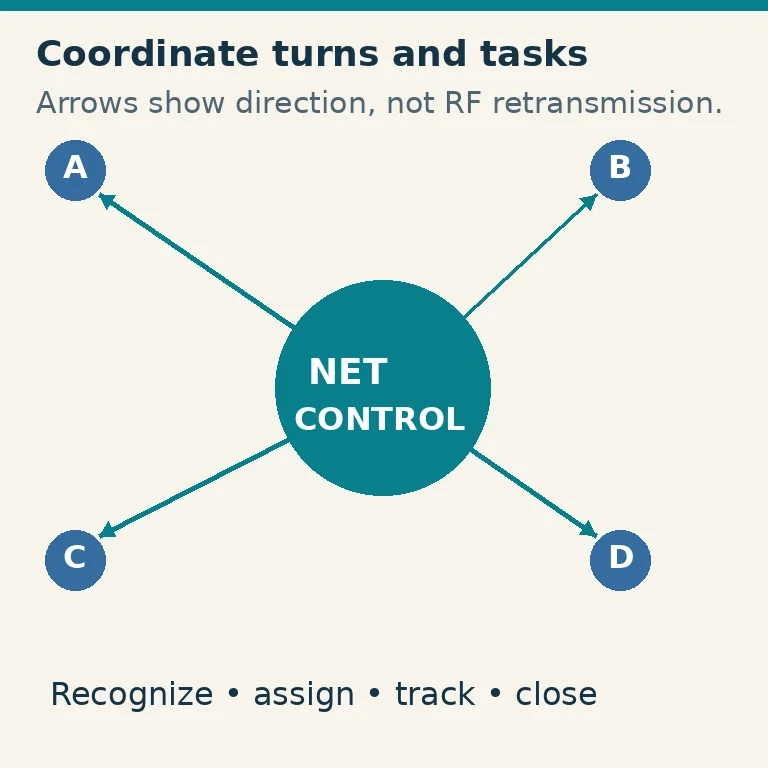
Tune in before the verified start time so you can hear whether the expected session actually begins. The net control station (NCS) is the station directing that session’s check-ins. Listen for its identification of the net, its instructions and its invitation to the relevant group of participants. When NCS calls for a category that includes you, respond in the requested order with concise identification and whatever information NCS asks for. There is no single check-in script to impose on every net; the instructions you hear for this session govern the attempt.
If NCS is currently taking a different category of check-ins, wait for an applicable invitation rather than interrupting that sequence. If you hear other repeater activity but no expected net, do not keep calling over it. Recheck your recorded day and converted date, time zone, venue and the operator’s latest cancellation notice. You may have an outdated appointment, be listening in the wrong place, or simply need confirmation from the organizer before trying again; listening alone cannot tell you which explanation is correct.
If the net does begin but you cannot confidently establish its check-in rules, continue listening. You can ask the organizer for clarification afterward instead of guessing on air. A sound first attempt rests on three separate things: a verified appointment for the particular net, station operation within your privileges, and a check-in made only when that net’s NCS invites it.