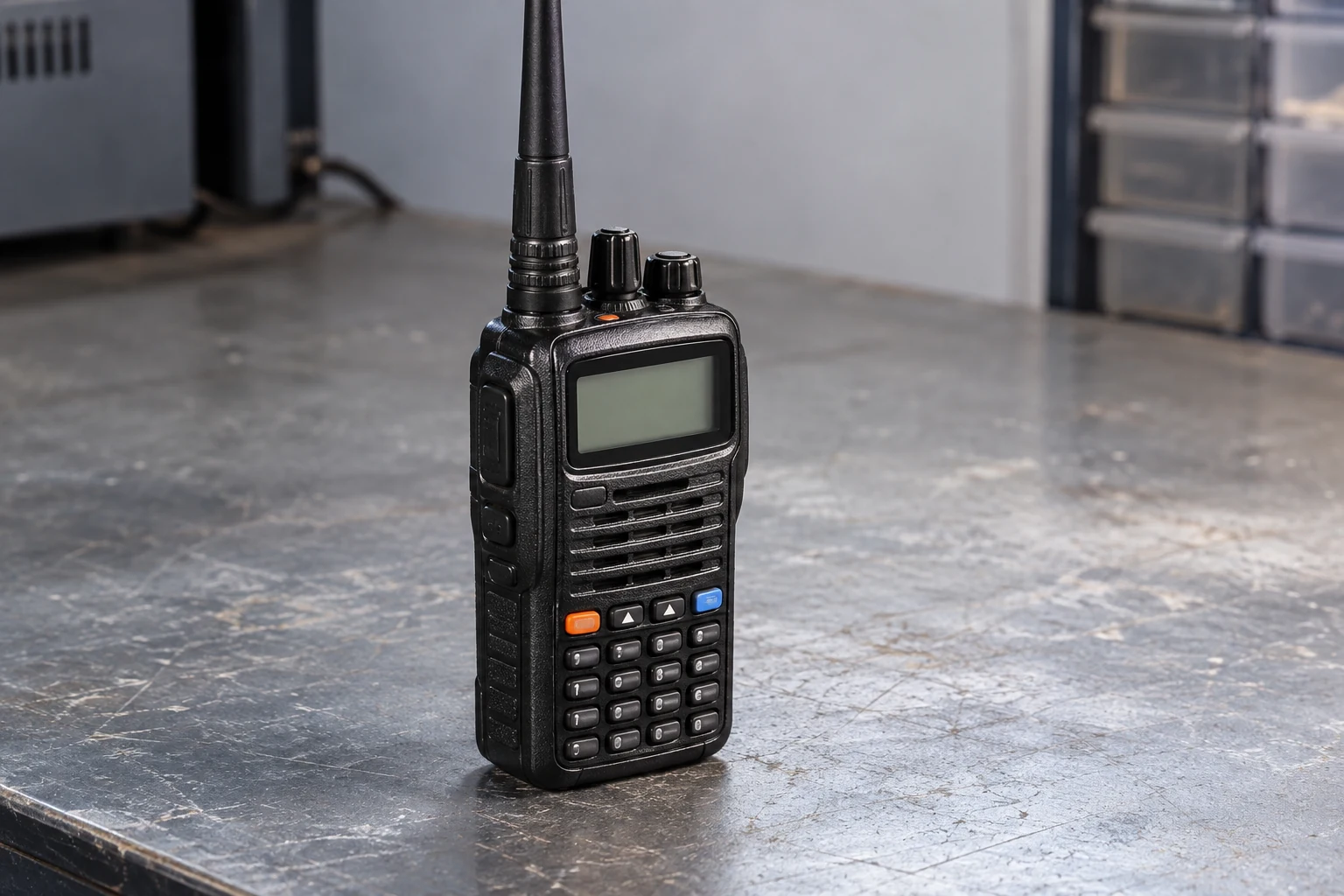
Before transmitting through a repeater, compare your handheld’s saved memory with the intended repeater’s current operator-provided settings. Confirm that the radio will receive on the repeater’s output, would transmit on its input after the offset and any reversal are accounted for, and sends the required access tone or code. Check receive filtering separately: what the radio lets you hear is not necessarily what it sends. Do this through settings and any nontransmitting display method documented in your radio’s manual—not by pressing PTT to discover an unknown frequency. Even a matching memory is not permission to transmit; your intended operation must also be within your privileges.
Get the Repeater’s Current Settings from Its Operator
Start by identifying the particular repeater you intend to use and obtaining its current settings from the person or organization responsible for it. A saved memory name may help you find the entry, but it does not establish that its settings are still right. Nor does a radio’s automatic repeater feature confirm what this operator currently requires.
Keep the two sides of the frequency pair straight. The repeater output is the frequency your handheld receives; the repeater input is the frequency your handheld would use to transmit to it. Icom’s IC-V86 instructions describe setting the receive frequency to the repeater output. That describes the radio’s setup, not the settings of any particular repeater.
Record the operator’s output and input frequencies if both are supplied. If the operator instead supplies an output and an offset, record the direction—up or down—and the amount as separate pieces of information. “Minus” alone does not tell you how far down the transmit frequency should be. If you have both an input frequency and offset information, use them as a cross-check rather than assuming they agree.
Ask what, if anything, the radio must send to access this repeater: a CTCSS tone or a DTCS code, including polarity if the specified DTCS configuration calls for it. Also distinguish that transmit requirement from any instruction to filter received signals by tone or code. A receive filter controls what opens the handheld’s squelch; it should have its own entry in your notes rather than being folded into “the tone setting.”
The aim is to make a reference against which you can check the memory—not to guess missing values from another repeater or from an example in a manual. If the operator’s information leaves the intended input, access setting, or applicable polarity ambiguous, seek clarification before attempting to transmit. You can still inspect the radio and listen, but an unresolved requirement is not a reason to make a test call.
Use the following table to keep the operator-confirmed values beside what you find in the memory. Leave an item visibly unresolved if you cannot establish it; do not turn a blank into an assumed default.
| Setting to check | Operator-confirmed setting | Saved memory or observed state |
|---|---|---|
| Repeater output / receive frequency | Record the operator’s output frequency | Record the saved receive frequency |
| Repeater input / calculated transmit frequency | Record the operator’s input frequency, if supplied | Calculate from the documented radio settings without PTT |
| Offset direction | Record the stated direction, if supplied | Record the saved duplex direction |
| Offset amount | Record the stated amount, if supplied | Record the saved offset amount |
| Transmit access tone or code | Record the required CTCSS tone or DTCS code and polarity, if specified | Record the transmit setting, including applicable polarity |
| Receive filtering | Record any separate receive-filter requirement, or note that none was stated | Record whether tone or DTCS squelch is enabled and its setting |
| Reversed Duplex | Not an operator setting; use the confirmed output and input as the reference | Check and record whether reversal is active |
Check the Saved Frequencies, Offset and Duplex State
With the intended frequency pair in hand, inspect the saved memory without transmitting. Find its receive frequency using your actual radio’s manual and compare that value with the operator’s output. Then inspect its duplex setting—the setting that determines whether transmit is shifted above or below receive—and its offset amount. On the IC-V86, Icom says duplex shifts the transmit frequency up or down from the receive frequency by the set offset amount. Other radios may present these settings differently, so use their own documentation rather than an IC-V86 menu sequence.
Calculate the transmit frequency the settings imply. For a hypothetical pair that has already been verified as intended, a receive frequency of 146.940 MHz and a minus offset of 0.600 MHz give 146.940 − 0.600 = 146.340 MHz for transmit. This is arithmetic, not a recommendation for an unspecified local repeater. It is usable for transmission only if the responsible operator’s intended input agrees and your privileges permit the operation.
Compare the result with the operator’s input, if provided. If the memory says “minus” but holds a different offset amount, its calculated transmit frequency will differ. If the operator supplied an output and offset rather than a separate input, calculate the intended input from those operator-provided values and compare it with the radio’s result. A matching plus or minus indication by itself settles neither comparison.
Next, account for features that can change what the ordinary display seems to promise. Icom says the USA version of the IC-V86 can automatically activate duplex direction and turn its tone encoder on or off. That describes automatic radio behavior; it is not evidence that the selected settings match this repeater’s current requirements. Inspect the values that will actually apply to the saved memory instead of accepting “auto” as confirmation.
Check Reversed Duplex as a separate state. Icom says that when this function is on, the receive and transmit frequencies are reversed. Thus a receive frequency and offset that appear to form the right pair in normal duplex operation may not describe the frequencies the radio will actually use while reversal is active. Resolve its state with the manual, then compare the radio’s effective receive and transmit frequencies with the operator’s output and input. Do not rely only on the memory name, the displayed receive number, or a plus/minus symbol.
If these comparisons conflict, stop at the setting you can identify. Recheck the operator’s figures and the radio’s documented offset and reversal behavior. Do not press PTT to see which frequency appears during transmit.
Match Transmit Access Settings Without Confusing Them with Receive Filtering
Once the frequency pair checks out, inspect what the memory would send to access the repeater. Compare its transmit CTCSS tone or DTCS code with the responsible operator’s requirement. Where the specified DTCS configuration includes polarity, compare that too. Do not infer a tone, code, or polarity from the hypothetical frequency calculation: frequencies and access settings are separate operator-provided facts.
Be careful with a setting labeled “tone” or “squelch.” Icom distinguishes the IC-V86’s DTCS encoder, which affects transmit only, from tone or DTCS squelch, which opens when a received signal carries the matching programmed tone or code. A matching receive filter therefore does not establish that the radio is sending the required transmit access setting. Check both functions in the actual manual if their names are unclear on your handheld.
Now check whether tone or DTCS squelch is enabled on receive and compare its setting with any separate receive-filter requirement the operator gave you. This matters even when the transmit setup is correct. A restrictive filter may keep the speaker closed for activity that would otherwise be audible, so apparent silence does not establish that the repeater is idle. For the IC-V86, Icom specifically warns that DTCS squelch will not open when its polarity differs, even if the received DTCS code matches.
If you hear nothing when you expected activity, review the receive-filter setting, including the code and applicable polarity. If your manual permits an appropriate less-restrictive receive setting, you can use it to listen without treating that change as a transmit-setting fix. This is a bounded listening check, not proof that the repeater is working, idle, or ready for your transmission. If the required transmit access details remain unclear, return to the operator’s information rather than trying tones or codes on the air.
Finish the Check Without Using PTT as a Test
Make one final comparison while the radio is not transmitting. The operator’s output should match the radio’s effective receive frequency. The operator’s input should match the transmit frequency you established from the documented radio settings, with both offset direction and amount accounted for. Confirm the reversal state rather than assuming it is off. Finally, compare the transmit access tone or code—and applicable polarity—with the operator’s requirement, and note whether a separate receive filter could affect what you hear.
Use the settings menus in your actual radio manual, or a nontransmitting frequency display if that manual documents one. Do not assume every handheld has a display that reveals the effective transmit frequency without transmitting. If you cannot establish that frequency by a documented nontransmitting method and calculation, leave the check incomplete. Pressing PTT to discover it would make the unknown setting the subject of a transmission rather than resolving it beforehand.
The decision is conditional:
- Stop if the operator’s current information conflicts with the memory, or if you cannot determine the effective transmit frequency without PTT. Recheck the operator’s information and the radio manual; correct the uncertainty before considering a transmission.
- Stop if a required transmit tone, code, or applicable polarity is still unclear. Listening with a different receive-filter setting does not resolve an unknown transmit requirement.
- Do not transmit if the intended operation is outside your privileges or you have not established that it is permitted. Check the current FCC rules applicable to your US amateur license and intended transmission rather than relying on a memory label or a frequency example.
- Proceed only if the operator’s current settings match the radio’s effective behavior and you are authorized to transmit.
Listening and transmitting are different decisions. Once the configuration and authorization checks pass, listen and choose a suitable clear operating moment before making a concise, properly identified transmission. That later transmission is not a shortcut for finding an unknown input frequency or guessing an access setting.
The governing check is simple: the repeater operator’s current requirements, the handheld’s actual receive and transmit behavior, and your authorization must all align before you transmit.
Continue reading
Keep learning about radio