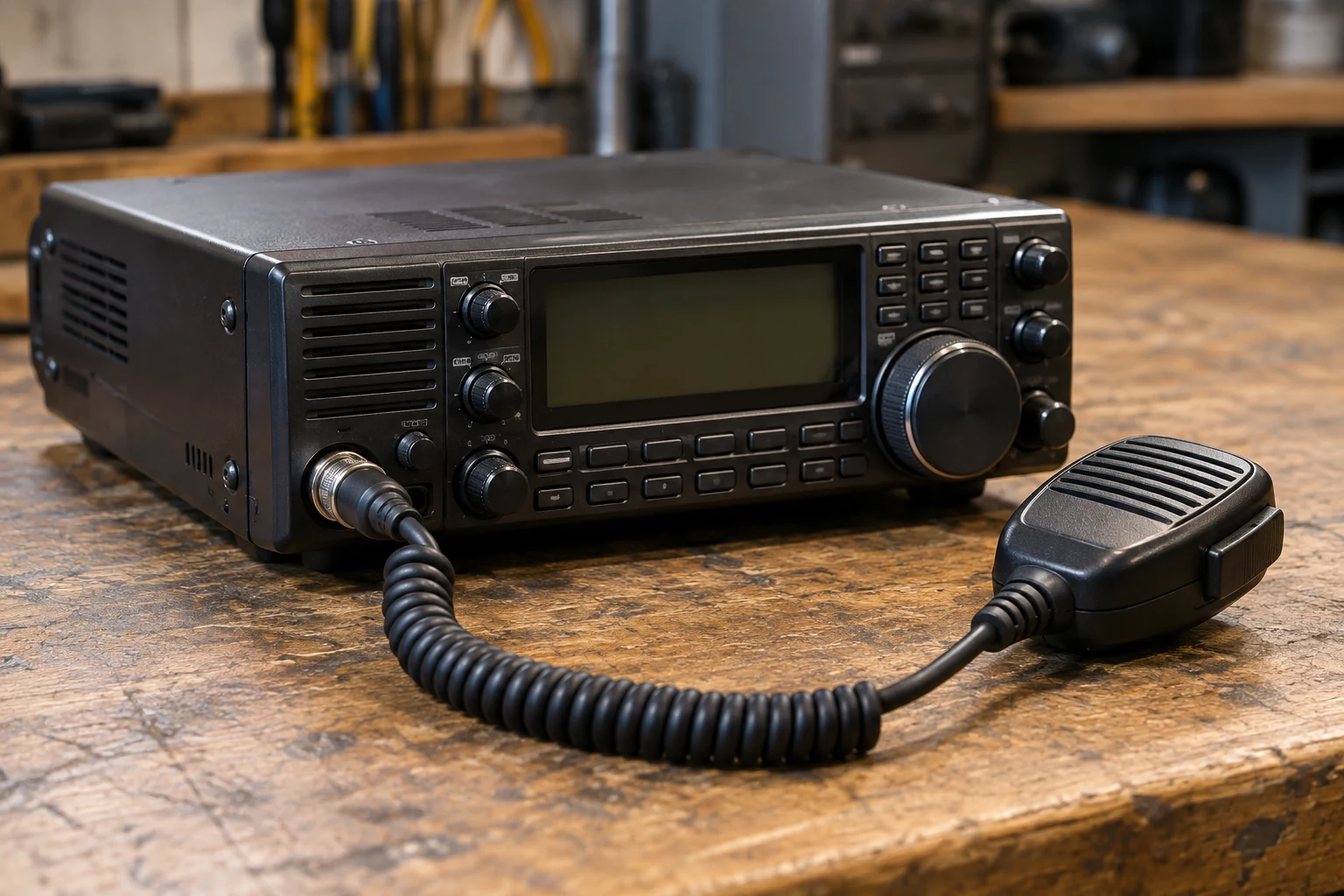
Set microphone gain by following the procedure for your exact transceiver, microphone input and voice mode, then judge the result by the indication or audio check its maker specifies. Do not copy a gain setting from another radio. Icom’s IC-7300 provides a useful example: its Basic Manual gives an ALC-meter target for SSB but an audio-clarity check for AM and FM. Those directions show how to use a manual, not how to set every transceiver.
Find the Procedure for Your Radio and Identify the Controls
Start with the manual for your exact model. Find its microphone-gain or voice-transmit adjustment procedure, and check whether its menu directions match the firmware or menu version on your radio. Identify the connected microphone or other selected voice input and the mode you intend to use. A direction for one input or mode may not tell you how to evaluate another. If the controls or meter indications differ from the IC-7300 example below, use your own manual rather than guessing which labels correspond.
As you read, look for four things: where gain is adjusted, what must be selected before adjusting it, what indication or listening check counts as a satisfactory result, and how to return to receive. Check any conditions the maker places on the meter or Monitor function. Finding a menu item alone is not enough; you need the criterion that tells you when to stop turning it.
Microphone gain adjusts the voice input path. It is not RF output power, which is a different transmitter control, or AF listening volume, which changes what you hear from the receiver or speaker. Increasing listening volume cannot correct a poorly set transmitted voice input. Likewise, changing RF power does not substitute for following the microphone-gain procedure.
Speech compression is also a separate function. If your radio offers it, handle it as the applicable manual directs; do not maximize compression and gain together in the hope of getting clearer speech. For this task, keep the decision narrow: find the gain control and evaluate it by the maker’s stated voice-mode criterion.
Prepare a Lawful Way to Check Transmitted Audio
You can inspect the manual, confirm the microphone connection and locate menu controls while receiving. None of those nontransmitting checks authorizes a transmission. Before pressing PTT or TRANSMIT, the operator must be authorized for the intended transmission and must have a suitable lawful station setup or a correctly specified dummy load connected. Never test a disconnected transmitter.
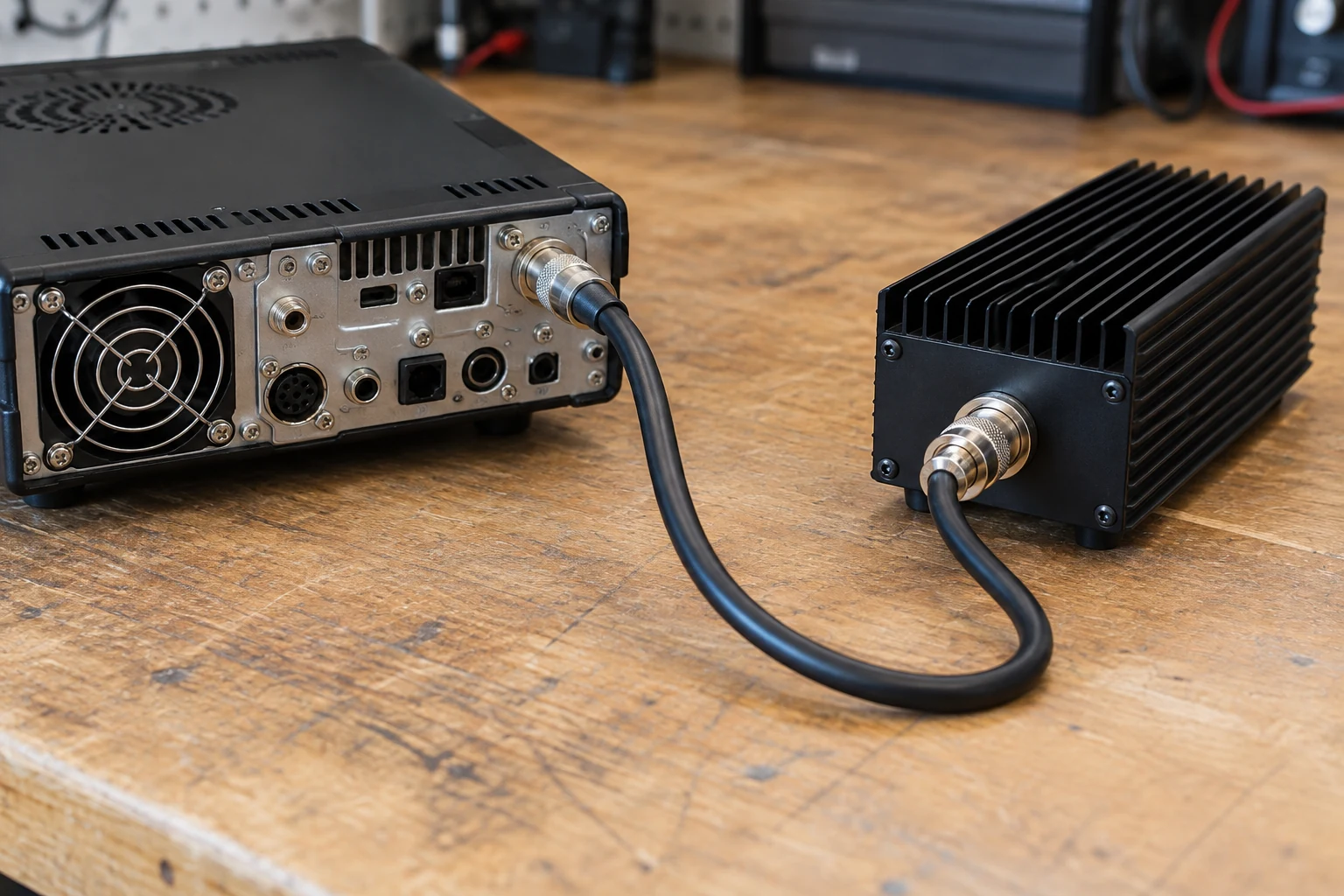
Check your radio’s manual for the conditions under which its transmit meter, Monitor function and any load arrangement may be used. A meter reading is useful for this adjustment only in the mode and conditions its maker specifies. Do not assume that an ALC indication behaves the same way on every radio or in every voice mode. This guide does not establish a frequency privilege, power limit or dummy-load rating for your station; those must be determined for the actual operator and equipment before a transmit test.
Before proceeding, confirm the intended voice mode, the actual microphone and connector, and the input selected on the radio. Arrange the evaluation method your manual calls for—such as its specified meter display, a supported Monitor check or feedback from another station. If you cannot establish authorization, a suitable connected setup or the required evaluation conditions, stop before transmitting. You can still complete the manual lookup and connection checks without using PTT.
Adjust Gain Using the Ic-7300’s Mode-specific Directions
The following sequence is from Icom’s IC-7300 Basic Manual. Its control names, speaking distance and SSB meter target belong to that procedure; they are not default settings for other transceivers.
First, set the IC-7300 to the voice mode you intend to check: SSB, AM or FM. Push MULTI to display the Multi-function menu, then touch MIC GAIN. That selects the adjustment described in Icom’s procedure. If you are using a different transceiver, pause here and find its own equivalent procedure rather than treating these button labels as a translation guide.
For the IC-7300 speech check, hold the microphone 5–10 cm (2–4 inches) from your mouth and speak at your normal voice level. Establish that distance and voice level before judging a reading: moving the microphone substantially or changing how loudly you speak changes the input being evaluated. Use the mode-specific criterion below, rather than a preferred position of the gain control.
Proceed to the transmit-dependent adjustment only if an authorized operator and the suitable lawful connected station setup or correctly specified dummy load described above are in place. Push TRANSMIT or hold the microphone’s PTT, then rotate MULTI to adjust microphone gain while making the check appropriate to the selected mode. Return to receive when the check is complete; the steps for doing that appear below.
For SSB, Icom says to touch the TX meter to select the ALC meter. With the microphone at the specified distance and normal speech, adjust gain until the meter reading swings between 30% and 50% of the ALC scale. It is the indicated swing under those speech conditions—not a particular number on the gain control—that guides this IC-7300 adjustment. Do not aim to pin the meter at the end of its scale, and do not carry the 30–50% target over to another model merely because it also displays ALC.
For AM or FM, follow a different branch. Icom directs you to check audio clarity with another station or by using the Monitor function. It does not give the SSB 30–50% ALC target as the AM/FM test. If you can use the manual-supported Monitor arrangement, evaluate clarity that way; if the applicable setup instead permits a check with another station, ask for feedback on clarity. In either case, use the result as a check of this mode’s gain adjustment, not as a claim that you have measured audio quality on every possible receiving setup.
This distinction matters when an indication looks impressive. Icom says that when meter movement shows the input signal exceeds the allowed level, ALC limits RF power and the operator should decrease microphone gain. More indicated ALC is therefore not inherently clearer speech. The meter serves the purpose Icom assigns to it in this procedure; it is not, by itself, a universal measurement of distortion or spectral purity. If an IC-7300 SSB reading is excessive under the specified conditions, reducing gain is the relevant adjustment—not increasing RF power or compression to compensate.
Return to Receive, Check the Result and Resolve Poor Audio
Finish the IC-7300 procedure by pushing TRANSMIT again or releasing PTT, whichever you used to transmit. Icom identifies that action as the return to receive. Check that you have actually returned to receive before reviewing the setting or making notes.
Record what worked on your station: radio and mode, connected microphone and selected input, approximate speaking distance, gain setting, and whether you evaluated SSB by the specified meter or AM/FM by the clarity check. A note such as “IC-7300, SSB, this microphone and input, normal speech at 5–10 cm, ALC swing checked” is more useful than recording a gain number alone. It preserves the conditions needed to repeat the check. It does not prove universal loudness, guarantee how every station will hear you or establish measured spectral purity.
If the IC-7300 SSB ALC indication is excessive, return to Icom’s instruction to decrease microphone gain. When repeating the check, keep the specified ALC-meter selection, microphone distance and normal voice level the same so that you are comparing like conditions. Before transmitting again, confirm that the operator remains authorized and the suitable lawful station or correctly specified load remains connected. Do not treat a larger swing as an improvement merely because the meter is more active.
If AM or FM sounds unclear, return to the clarity check Icom specifies—another station or the Monitor function under the applicable setup—rather than trying to force an SSB ALC number onto those modes. If feedback is inconsistent, note how it was obtained before deciding that another gain change is warranted. A clarity report can guide this adjustment, but it is not a numerical gain target supplied by the manual.
For low or absent voice audio, make the simplest nontransmitting checks first. Is the intended microphone actually connected, and is its connector seated? Is the radio using the intended voice input and mode? Are you speaking at the distance and normal level required for the procedure you are following? These are diagnostic checks prompted by the symptom, not a manufacturer-certified diagnosis of its cause. Correct an identified mismatch before changing unrelated menus or turning gain to maximum.
If you cannot obtain the indicated result under the maker’s specified conditions, clarity remains poor after those checks, or the safe lawful test arrangement is no longer available, stop transmitting. Consult the exact manual or a qualified operator rather than experimenting with RF power or compression. The repeatable method is to match the manual to the radio and mode, use its stated criterion, and retain the conditions that made the setting meaningful.