For a first U.S. analog-FM repeater contact, confirm that your license permits transmission on the frequency and mode you will use, collect the chosen repeater’s settings, and program and verify your radio. Then listen. When the repeater is quiet, briefly announce your assigned call sign, release the microphone switch, and listen for a reply. Someone may answer—or nobody may be available. Either way, the goal is a correct, courteous first attempt, not a guaranteed conversation.
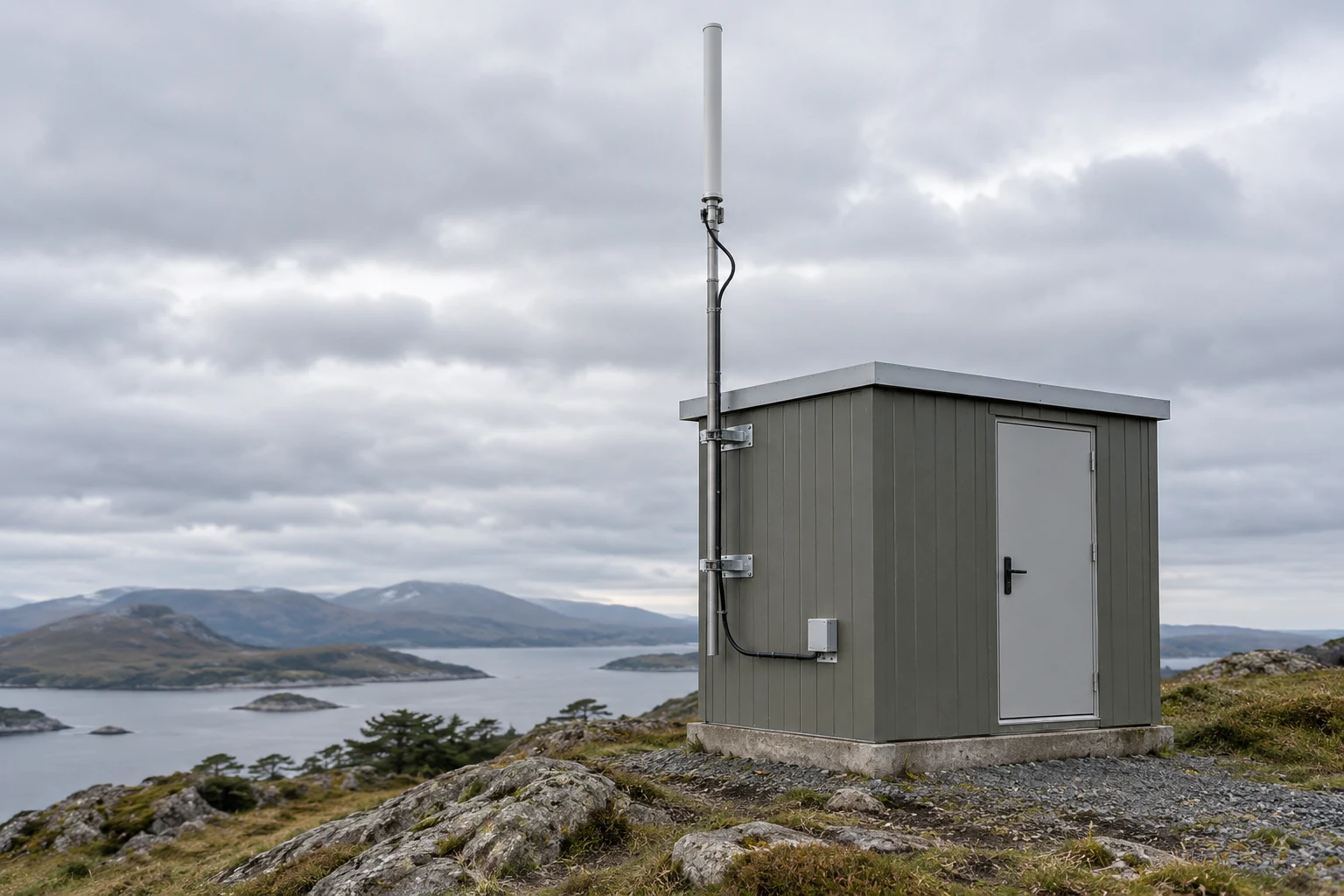
A repeater receives your signal on one frequency and retransmits it on another. That makes one distinction essential before you touch the radio: you listen to the repeater’s output, but your radio transmits to its input. Your call sign is the identifier assigned to your amateur station; have it ready before you operate.
Choose a Repeater and Collect Its Settings
Pick one local analog-FM repeater for this attempt. Record its listed output frequency, input frequency or signed offset, and any required input CTCSS tone. Also note any access condition in the listing that you do not understand. Keeping the information for one repeater together makes it easier to spot a mismatch later than switching among several listings while you program.
The output is the frequency on which you listen to the repeater. The input is where your radio must transmit to reach it. The offset is the difference between the repeater’s transmitting and receiving frequencies; its direction tells your radio which side of the output its transmit frequency belongs on. ARRL notes that commonly used offsets can vary, so the chosen repeater’s listing—not a remembered setting—must settle the question.
A listing may give the input directly or give an output and a signed offset. In either case, your goal is to establish the actual frequency your radio will transmit on, not merely to enter an offset value that looks familiar. Likewise, if the repeater calls for an input CTCSS tone, use the tone specified for that repeater. CTCSS is a tone your radio can send with its transmission; for this task, the relevant question is whether the chosen repeater requires one and, if so, which value its listing gives. ARRL directs operators to select the tone according to the repeater listing. Neither an offset nor the 100 Hz tone in ARRL’s programming example is a national setting to copy.
Use the chosen repeater’s listing for its settings. ARRL also says frequency coordinators keep records of repeater input and output frequencies. A listing or coordinator record is a place to seek data, not proof that a particular repeater is operating or that every detail you need is clear today. If listings disagree, an access condition is unclear, or you cannot determine the needed input or tone, ask a local amateur-radio club or knowledgeable operator for clarification before transmitting.
Program the Radio for That Repeater
Use the user manual for your installed radio model. Radios differ in how they name settings and store memories, so treat the following as setting goals, not a sequence of buttons. ARRL likewise points operators to their transceiver manuals for memory-programming instructions.
Start with the memory’s receive frequency: set it to the chosen repeater’s output. In ARRL’s sample programming sequence, the repeater’s transmitting frequency goes into the radio’s receive memory channel. That describes the relationship you need; the sample frequency is not a frequency to use for your contact.
Next establish the memory’s actual transmit frequency. If you have a listed input frequency, use it to check where the radio will transmit. If the listing instead gives a signed offset, enter it using the method in your manual, then verify that the resulting transmit frequency is the intended input. Pay attention to direction: an offset of the right size in the wrong direction still puts your transmission on the wrong frequency. Do not rely on the receive-frequency display alone to tell you what will happen when you press the microphone switch.
If the listing requires an input CTCSS tone, set the radio to send that listed tone when transmitting through this memory. Your manual may separately describe a receive-tone or tone-squelch option. Do not mistake that receive-side option for confirmation that the required transmit tone is set, and do not assume the repeater requires you to enable a receive-tone option. The setting to establish here is the input tone specified for the chosen repeater.
Save the memory, switch away from it, and recall it. Recalling is a useful test because it shows whether the settings you intended to store are still associated with the channel you will actually use. ARRL’s example describes a saved channel that subsequently uses the appropriate transmit and receive frequencies and sends its example tone. Treat that as an illustration of what a correctly saved memory should accomplish—not a universal menu procedure, frequency, or tone.
Before considering programming finished, compare the recalled channel with your written repeater data. If your radio provides a way, described in its manual, to inspect the transmit frequency without transmitting, use it. The important result is knowing the channel’s actual transmit frequency and required transmit-tone setting before going on air. If you cannot reconcile the manual’s terminology with the listing—for example, you cannot tell whether a displayed tone choice controls transmission or reception—stop. Get help interpreting the setting rather than testing a guess by transmitting.
Verify the Channel and Listen Before Transmitting
For a U.S. operator, check the current FCC operating privileges for your own license class on the day you plan to transmit. Compare them with the radio’s actual transmit frequency and analog-FM mode. Being able to receive the repeater’s output does not establish permission to transmit on its input. This privilege check is a separate prerequisite from the FCC call-sign identification rule discussed below; that identification rule does not, by itself, define your frequency or mode privileges.
Use this blank record for the one repeater you chose. Fill it from the listing, your manual, and the recalled radio memory rather than from an example setting.
| First-contact setup record | Your entry |
|---|---|
| Listing or local source checked | |
| Repeater output / radio receive frequency | |
| Repeater input frequency, if listed | |
| Listed signed offset, if used | |
| Recalled memory’s actual transmit frequency | |
| Recalled offset direction | |
| Required input CTCSS tone, if listed | |
| Transmit tone confirmed in memory? | |
| Your license class; transmit frequency and analog-FM privilege checked? | |
| Unresolved listing, access, or programming questions |
A blank in a field that does not apply is different from an unresolved question. For example, a listing that gives the input directly may leave you no signed offset to copy; you still need to verify where the radio will transmit. Conversely, if a required tone is listed but you cannot confirm the memory sends it, that is an unresolved setup question. Do not transmit while the channel, privilege, or required repeater setting remains uncertain. Correct a confirmed memory mismatch using your manual, or seek clarification if the underlying data are unclear.
Once those checks pass, listen on the repeater before calling. ARRL advises taking time to hear how a repeater is used. Listening lets you determine whether a conversation is under way and become familiar with local operating practice; it is not a substitute for the programming and privilege checks. If people are talking, do not start a separate first-contact call over them. Decide whether to wait to join at an appropriate break or to wait until they finish, as described next.
Make a Brief First Call and Complete the Exchange
When the repeater is quiet and your checks are complete, press the microphone switch and clearly say your assigned call sign. Release the switch, then listen. ARRL recommends that quiet-repeater approach and says calling “CQ” is poor repeater etiquette. A short call-sign announcement is enough to indicate you are there; adding a long introduction before anyone responds does not improve your chance of finding someone available.
If another operator replies, acknowledge them, give your call sign, and say naturally that you are making your first repeater contact if that is useful context. Then leave room for the other person to speak. You need not deliver a rehearsed speech or keep the channel occupied to prove the radio works.
Here is one authored illustration, not a transcript or a required script:
> You, after listening on a quiet repeater: “KX0ABC.”
> Other operator: “KX0ABC, this is W0XYZ. Good evening.”
> You: “W0XYZ, KX0ABC. Good evening. This is my first contact through this repeater. Thanks for coming back.”
> Other operator: “Glad to help. You’re coming through.”
> You, when ending the exchange: “Thanks for the contact. KX0ABC.”
Use your own assigned call sign, not either illustrative one. The point of the example is the sequence: make a brief announcement, listen, acknowledge a reply, have a short exchange, and identify as you finish. No one is obliged to answer an announcement.
An active conversation calls for a different decision. If you want to join that conversation, listen for a break between transmissions and offer your call sign there; ARRL advises that approach. A momentary pause is not permission to speak over someone or redirect an exchange that is still in progress. If you instead want to make a separate call, wait until the conversation ends. ARRL specifically advises patience when operators are finishing up.
Keep etiquette and legal identification distinct. Under 47 CFR § 97.119, an amateur station must transmit its assigned call sign on its transmitting channel at the end of each communication and at least every ten minutes during a longer communication. The brief initial announcement above follows ARRL’s operating advice; it does not replace the FCC requirement to identify at the end of your exchange. If a conversation continues, keep track of the ten-minute identification requirement as well. ARRL’s advice to listen, wait your turn, and avoid a repeater “CQ” is etiquette guidance, not the text of that FCC identification rule.
If the Repeater Is Busy or Nobody Answers
First decide which situation you actually have. Ongoing traffic means the repeater is in use: keep listening, wait for a suitable break if you intend to join, or wait until the exchange is over before making a separate call. A quiet repeater with no answer is different. It may simply mean nobody is available to talk. A call-sign announcement invites a response; it does not require one, and silence alone does not tell you why no reply came.
If you are unsure the saved channel works as intended, return to your setup record rather than repeatedly calling. Compare the listing with the recalled memory’s receive frequency, actual transmit frequency, offset direction, and required input tone. Use your radio manual to correct a confirmed mismatch, then verify the recalled memory again. For instance, if your record and the radio show opposite offset directions, you have a specific setting to resolve. If all the recorded values agree but nobody answers, you have not thereby proved that a setting is wrong.
If the listing itself does not clearly establish the input, offset direction, tone, or an access condition, stop trying settings on air and ask a local club or knowledgeable operator. Possible lack of coverage also cannot be established from silence alone; it is not a reason to launch into guessed power or equipment changes. Listen for local activity and try again at a suitable time without making repeated disruptive calls.
The workable sequence stays the same whether your first call gets a reply or not: confirm your privileges and the chosen repeater’s data, verify the saved radio settings, listen for traffic, and make one brief call when clear. Then let what you actually know guide the next step—wait if it is busy, correct a confirmed mismatch, seek help with unresolved data, or simply try again later if nobody answers.